
Worm: What It Is, How It Works, and How It Spreads

Learn what a computer worm is, how it works and spreads, how it differs from viruses and ransomware, famous cases, and how to recognize an infection on the network.
- Posted on 2026-10-11
- Reading time: 7 min
Computer Worm: What It Is, How It Spreads, and How It Differs from Viruses #
A worm is a type of malware that replicates and spreads autonomously across a network, without the need for a host file. This ability allows it to spread very quickly, especially when it exploits vulnerabilities present on multiple systems simultaneously: while a virus remains dormant until someone opens the infected file, a worm can spread from one system to another without any human intervention. A worm is defined not by the damage it causes, but by the way it spreads: the payload can be destructive, steal information, install other malware, or even be absent—what defines it is its ability to spread on its own.
In short: a worm is malware capable of autonomously propagating between systems, often by exploiting network vulnerabilities or other communication vectors. Unlike a virus, it does not require a host file to replicate.
How a Worm Works #
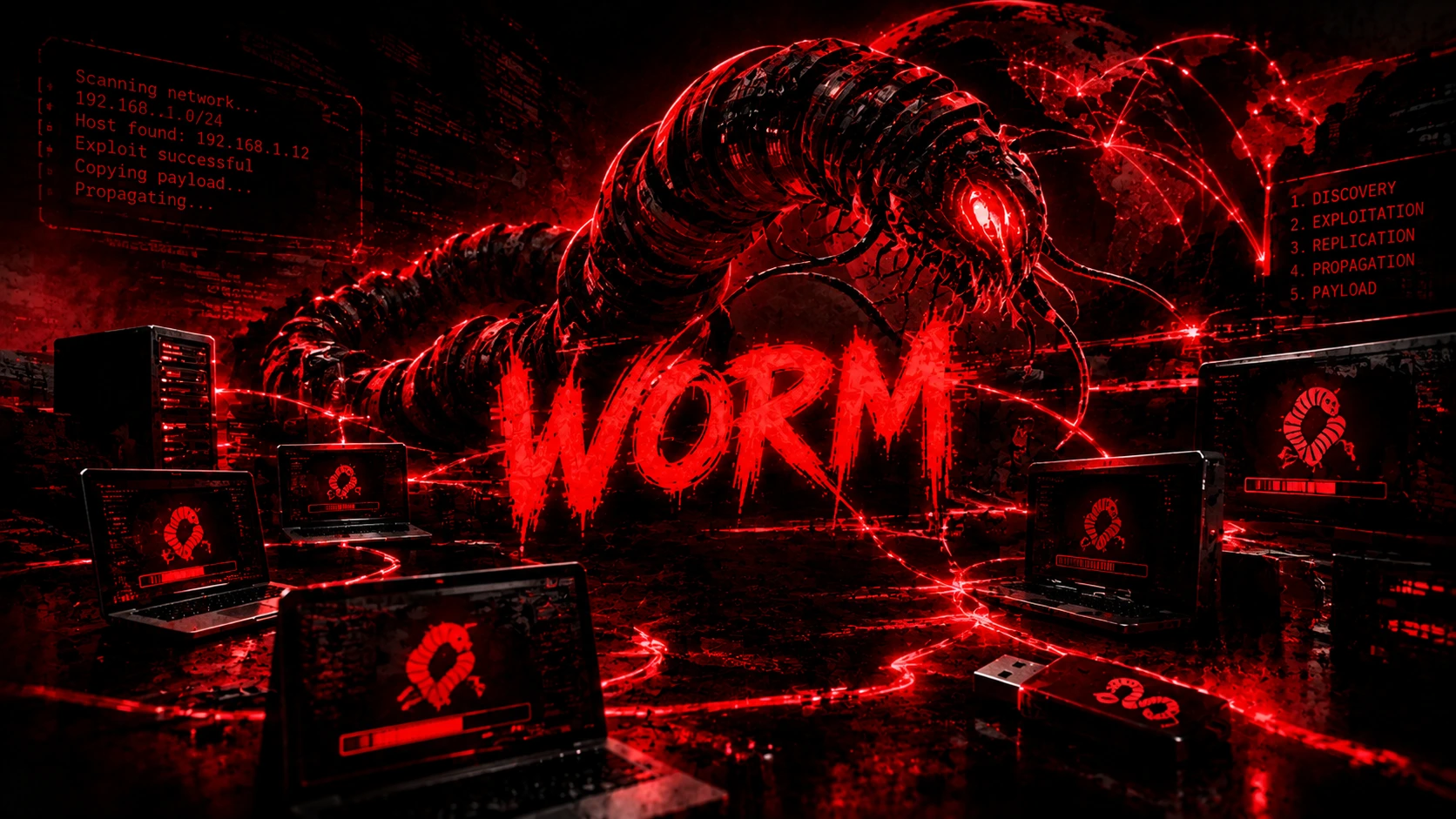
To understand the behavior of a worm, a conceptual model can be used in five phases — not all worms follow them in the same way or in the same order, however:
- Discovery — identifies potential targets by scanning a network or reading the infected device's contact list
- Exploitation —exploits a network vulnerability or other vector to gain access to the target
- Replication — copy your code to the new system
- propagation — from there the search for other targets starts again, often in parallel on multiple systems at the same time
- Payload — performs the action it was designed for, if it has one
Worms vs. Viruses: The Difference That Matters #
This is the most common confusion on the subject, and the distinction is clear. A virus requires a host file to attach itself to and its execution, usually triggered by a user opening it. A worm does not require a host file: it is a complete, independent program that copies itself from one system to another, typically by exploiting a network vulnerability or contacts found on the infected device—although, depending on the vector, some methods of spread (such as opening an infected email attachment) are still tied to an action on a target system.
| Worm | Virus | |
|---|---|---|
| A guest file is needed | No | Yes |
| It spreads on its own | Yes, independently on the network | No |
| Necessary human action | Depends on the carrier — often none, sometimes opening an attachment | Yes — must run the infected file |
| Speed of diffusion | Very high | Tied to human action |
In practice: a virus is a passenger waiting for a ride, a worm drives its own car. Both are subcategories of malware , but the way they travel is opposite.
How a Worm Spreads #
Worms essentially exploit three propagation routes, often in combination:
Network vulnerability. This is the most fearsome method: the worm scans the internet or local network for systems that expose a service with a known, unpatched flaw, then copies itself to the target, exploiting that flaw—without anyone having to click or open anything. This is exactly how WannaCry spread in 2017.
Email and messaging. ILOVEYOU (2000) is the textbook example: it arrived as an email attachment and required the victim to open it to activate—that single action was enough for the worm to send itself to the entire Outlook address book, propagating from there without further human intervention.
Removable media and shares. USB sticks and network shared folders are a classic vector: the worm copies itself to any accessible media or share, activating itself on the next system that accesses it.
| Type | Typical vector | Example |
|---|---|---|
| Network worm | Network service vulnerabilities | WannaCry |
| Email worm | Attachments and contact list | ILOVEYOU |
| Removable-media worm | USB and removable media | |
| File-sharing worm | Shared folders, P2P networks |
What Does a Worm Do After Infection? #
Spread is just the means: the real damage depends on the payload , the part of the worm that performs the actual malicious action. Some worms have a destructive payload (they delete or encrypt files), others install a backdoor that opens the system to further attacks, still others turn the device into part of a botnet —a network of compromised machines controlled remotely. In many cases, however, the greatest damage isn't even in the payload: it's the spread itself. A worm that replicates uncontrollably consumes bandwidth and resources, saturating entire corporate networks to the point of crashing them even without an explicitly destructive payload.
How a Worm Propagates in a Corporate Network #
The conceptual model is almost always the same, regardless of the specific worm: a host exposed to the internet is compromised first, then the worm uses that beachhead to scan the internal network—to which it often has broader access precisely because it's already inside the perimeter—finding other vulnerable systems and repeating the cycle. It's the same principle of lateral movement used in a targeted attack, only automated and without a human operator to guide it: from a single entry point, in a matter of hours a worm can traverse entire network segments that implicitly trusted each other.
How to Recognize a Worm Infection #
Some signs are valid for any user: sudden slowdowns, abnormal bandwidth or CPU usage, a computer that appears to be "working" even when idle. In a corporate context, network monitors look for more specific indicators: repeated connection attempts to the same service on many hosts in rapid succession (a sign of an automated scan), anomalous SMB traffic when the worm uses that protocol, outbound connections to an unusual number of different addresses, and alerts generated by EDR or IDS/IPS about processes attempting to replicate or contact other hosts on the network. None of these signs alone is definitive, but the combination—especially the speed with which they spread—is the hallmark of a worm versus a standalone infection.
Worm vs Trojan vs Ransomware #
To properly place the worm in the malware family, it is useful to clarify two boundaries that often overlap:
- Un trojan It doesn't replicate at all: it pretends to be legitimate software to get the user to install it. A worm is the opposite—it doesn't ask anyone's permission.
- Il ransomware It is not defined by how it spreads but by what it does (encrypts files and asks for a ransom): it can therefore use A worm-like mechanism for propagation. WannaCry is just that—ransomware with worm-like capabilities, which explains why it caused so much damage so quickly.
The Most Famous Worms in History #
| Worm | Year | Carrier | Impact |
|---|---|---|---|
| Morris Worms | 1988 | Unix Services Vulnerabilities | ~6.000 of the ~60.000 hosts then connected to the Internet, about 10% |
| ILOVEYOU | 2000 | Tens of millions of computers affected in just a few days | |
| Blaster / Sasser | 2003-2004 | Windows Network Vulnerabilities (RPC/LSASS) | Automatic propagation, loop restarts |
| WannaCry | 2017 | SMB / EternalBlue | Hundreds of thousands of systems in over 150 countries in just a few days |
Morris Worm (1988). One of the first worms to achieve significant distribution on the Internet, written by a student and released almost by mistake in its consequences: according to estimates by the FBI and other sources of the time, it affected approximately 6.000 of the 60.000 hosts then connected to the network, slowing them down to a crawl due to a flaw that caused it to repeatedly reinfect the same system. It led to the first conviction in the United States under the Computer Fraud and Abuse Act.
ILOVEYOU (2000). It spread via email with an attachment disguised as a love letter; once opened, it would resend itself to the victim's entire Outlook address book and overwrite files on the system. Within days, it affected tens of millions of computers worldwide, causing damage estimated at billions of dollars.
Blaster and Sasser (2003-2004). They exploited Windows network vulnerabilities to propagate without user intervention, causing infected systems to reboot in a loop—a foretaste of what WannaCry would do on an even larger scale over a decade later.
Case Study: WannaCry, When Worms and Ransomware Combine #
WannaCry exploited EternalBlue , an exploit developed by the NSA and made public in 2017 by the Shadow Brokers group, against a vulnerability in the Windows SMBv1 protocol. MS17-010 is the Microsoft bulletin that covers the entire group of SMBv1 vulnerabilities involved (it includes several CVEs, from 0143 to 0148); the one specifically exploited by EternalBlue is identified as CVE-2017-0144 . Microsoft released the patch on March 14, 2017, almost two months before WannaCry began spreading on May 12. Once inside a host, the malware encrypted files and demanded a ransom like regular ransomware—but unlike “classic” ransomware, it didn't need anyone to open an attachment: it automatically scanned the local network and the internet for other vulnerable hosts on the same SMB port, replicating itself automatically. It is this worm component, grafted onto a ransomware payload, that allowed WannaCry to reach hundreds of thousands of systems in over 150 countries in just a few days, according to official CISA warnings published during the emergency—including hospitals in the British NHS that were forced to postpone operations.
How to Remove a Worm #
- Isolate the device from the network — Wi-Fi and cable — to stop propagation to other systems.
- Identify the suspicious process or indicator which caused the infection, if possible.
- Run a full scan with an updated antimalware or EDR.
- Patch the exploited vulnerability, if the worm propagated via a network exploit — otherwise it will reinfect itself upon reconnection.
- Check out other hosts that communicated with the compromised device: a worm is rarely isolated to a single machine.
- Reset potentially exposed credentials, from a clean device.
- Restore data from a backup prior to infection, offline or immutable, if the payload has caused irreversible damage.
How to Protect Yourself from Worms #
The most effective defense against worms is also the most overlooked: installing security updates as soon as they become available . Nearly every major worm in history exploited vulnerabilities for which a patch already existed—including WannaCry, which struck months after Microsoft released the fix. Beyond patches: disabling legacy protocols and services that are no longer needed (SMBv1, in the case of WannaCry, remains on systems that have never been patched); a firewall that limits exposed services reduces the surface area a worm can scan; segmenting the network prevents an infection from spreading freely from one department to another; and an up-to-date antivirus program catches known worms before they activate. As always, an offline or immutable backup is the last safety net if the payload proves destructive.
Worms remain a current threat, not just a chapter in history: the same automatic propagation logic continues to appear in modern malware and ransomware campaigns, often combined with more sophisticated lateral movement techniques than those seen in WannaCry.
For those who want to go beyond defense and understand a worm from the inside, the next step is malware analysis—static and dynamic analysis, extraction of indicators of compromise, and analysis of network traffic generated during propagation. This is a field we'll cover in dedicated articles, along with the tools that make it possible.
FAQ #
What is a computer worm? It's malware that replicates and spreads itself across networks, without the need for a host file—unlike a virus, which requires one.
What's the difference between a worm and a virus? Viruses require a host file to spread; worms are autonomous and spread by exploiting networks and vulnerabilities. This is why worms spread much faster.
Is a worm more dangerous than a virus? The ability to propagate without a host file can allow a worm to spread much more rapidly than malware that relies on manual user intervention. The actual level of threat, however, depends on the vector, the vulnerability exploited, and, above all, the payload it carries.
Was WannaCry a virus or a worm? Technically, it was ransomware with worm capabilities: it encrypted files like ransomware, but it spread by exploiting a network vulnerability (MS17-010, via the EternalBlue exploit) like a worm. It's this combination that made it so devastating.
Can a worm infect a smartphone? Yes, although it's less common than on PCs: iOS and Android sandboxing limits a worm's ability to automatically replicate between apps, but it doesn't completely rule it out—there have been worms specifically targeting mobile devices, spreading via messaging apps or compromised apps, for example.
Can a worm spread without the internet? Yes. A local network isolated from the internet isn't immune: USB sticks, shared folders, and worms that only scan the internal network are sufficient vectors, as demonstrated by worms specifically designed for air-gapped environments.
How do you protect yourself from a worm? Keeping your operating system and software up to date is key, as worms exploit vulnerabilities that are often already patched. Firewalls, network segmentation, updated antivirus software, and disconnected backups complete the defense.