Computer Malware: Classification, Infection, and Defense

Learn about computer malware: how it spreads, what it can do, the main categories, the most common examples, and techniques for detecting and removing it.
- Posted on 2026-10-17
- Reading time: 7 min
Malware: What It Is, Types, Examples, and How to Defend Yourself #
Malware is the umbrella term for any software designed to damage, exploit, or access a device or network without authorization. Viruses, worms, Trojans, ransomware, spyware: none of these are synonymous with malware; they are all subcategories—malware is the family, they are the species, each with a different mechanism.
In short, malware is the umbrella term for "malicious software." It includes viruses, worms, Trojans, ransomware, spyware, rootkits, keyloggers, RATs, botnets, and adware. They're not the same thing—each category is defined by a specific mechanism—but they all belong to this family.
How Malware Works #
Regardless of the differences between categories, most malware follows a similar sequence: an infection vector (email, download, vulnerability) delivers the code to the device; the malware executes , often silently; it seeks persistence to survive a reboot; if expected, it establishes communication with a remote infrastructure controlled by the attacker; and finally, it executes its action —be it collecting data, encrypting files, opening a remote access point, or something else. Not all malware goes through all these stages (adware, for example, rarely needs to communicate with a remote server), but it's the most useful framework for understanding what's happening on a compromised system.
Where Does the Word “Malware” Come From? #
The term is more recent than you might think: it was coined on July 4, 1990, by Israeli researcher Yisrael Radai, in a public post on a security forum in which he wrote that Trojans constituted "only a small percentage of malware (a word I just coined for Trojans, viruses, worms, etc.)." It is simply a contraction of " mal icious software ." Before then, "virus" was almost exclusively used as a generic term, even for threats that technically weren't threats—a linguistic inaccuracy that, as we'll see, still exists today.
Are Malware and Viruses the Same Thing? #
No, and this is probably the most widespread confusion on the subject. Malware is the general category , virus is one of its specific subcategories . Saying "I have a virus on my computer" when you actually have a Trojan or spyware is the computing equivalent of saying "I have a fever" to indicate any illness. It may be a linguistic habit, but it's not technically correct, and the difference sometimes matters: knowing that it's a worm rather than a virus completely changes how it spreads and how it should be managed.
| Appointments | What is it really? |
|---|---|
| Malware | The general category — any malicious software |
| Virus | A type of malware that replicates by infecting other files |
| All others (worms, trojans, etc.) | Other subcategories, each with a different mechanism from the virus |
Every virus is malware, but not all malware is a virus—most modern threats, in fact, aren’t.
Types of Malware #
Each category is defined by a different characteristic: how it spreads, what it does once installed, or both. Here's the entire cluster, with a detailed look at each:
| Type | What defines it? |
|---|---|
| Virus | It replicates by infecting a host file; execution of that file is required. |
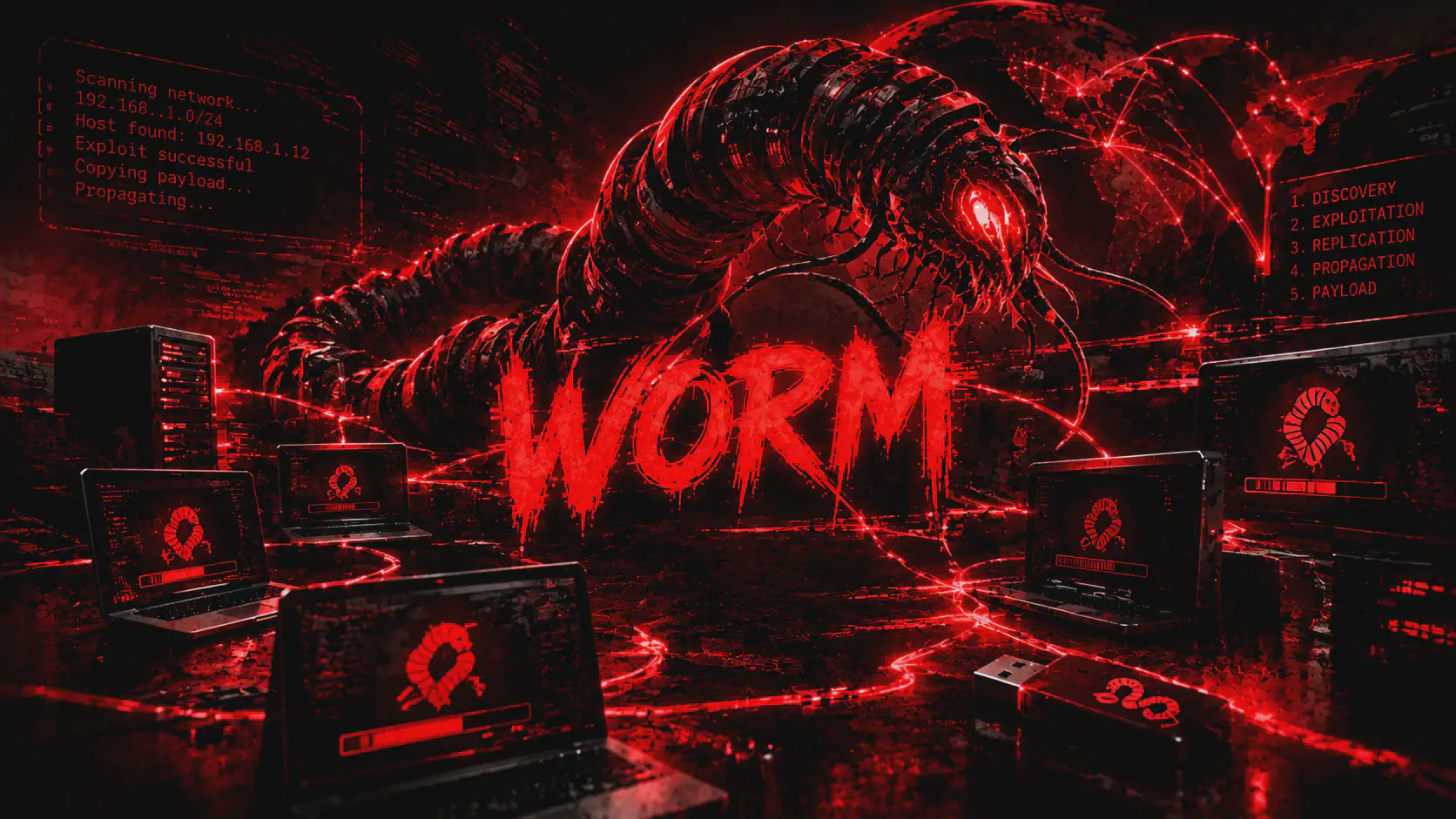
| Worm | It propagates itself by exploiting networks and vulnerabilities, without host files |
| Trojan | It disguises itself as legitimate software to get the victim to install it |
| Ransomware | It encrypts files and demands a ransom for unlocking them. |
| spyware | Collects information about the victim without his or her knowledge |
| Rootkit | Hides the presence of an attacker or other malware in the system |
| Keylogger | Records keyboard inputs, often as a component of other malware |
| RAT | Malware that allows remote control of the device — the term is often used to refer to a Remote Access Trojan |
| Botnet | Network of compromised devices controlled jointly by one operator |
| Adware | Displays unwanted advertising, often collecting browsing data |
Categories aren't watertight compartments: a single piece of genuine malware often combines multiple features. WannaCry is ransomware with worm capabilities; Emotet originated as a banking Trojan and became a distribution platform for other malware; a RAT almost always includes keylogging capabilities. Labels serve to describe the prevalent mechanism, not to pigeonhole each sample.
Examples of Famous Malware #
| Malware | Year | Type | Because it is known |
|---|---|---|---|
| Stuxnet | 2010 | Worm | It sabotaged Iran's nuclear centrifuges at Natanz — the first known malware capable of physically damaging an industrial facility. |
| Zeus | 2007 | Trojan | Banking Trojan that infected over 3,6 million computers in the US alone |
| NotPetya | 2017 | Wiper disguised as ransomware | Attributed to the Russian military intelligence service (GRU); caused approximately $10 billion in global damage |
| WannaCry | 2017 | Ransomware/Worm | It used EternalBlue to spread on its own, affecting over 150 countries in just a few days. |
| Emotet | 2014 | Trojan | From banking trojan to distribution platform for other malware, dismantled in an international operation in 2021 |
| Mirai | 2016 | Botnet | It compromised hundreds of thousands of IoT devices, causing partial blackouts of Twitter, Netflix, and Reddit in 2016. |
Each case is explored in detail in the article dedicated to its category, linked in the table above.
Are Malware and Cyber Attack the Same Thing? #
No, although the two terms are often used as if they were. Malware is a tool—a piece of software. A cyberattack is the event as a whole, and can use malware as one of many possible means, along with phishing, credential theft, vulnerability exploitation, or a simple misconfiguration left open by the system administrator. A successful attack without a single line of malware—for example, through credentials stolen through a phishing attack and then used to log in directly—is perfectly possible.
How Malware Spreads #
The main vectors remain few and recurring across the cluster: phishing email attachments or links, pirated software or cracks for paid programs, downloads from unofficial sites, unpatched network vulnerabilities, and USB devices or removable media. On Android , the most common vector is the installation of apps outside of the Play Store (sideloading) or seemingly innocuous apps hiding a malicious component within them—a less common problem on iOS thanks to a more closed app distribution model, though not entirely immune.
Generative Malware: The New Frontier of 2026 #
Until a few years ago, writing effective malware required real technical expertise. Generative AI models have dramatically lowered that barrier: tools developed specifically for criminal use like WormGPT and FraudGPT , sold on underground forums, allow the generation of malicious code, exploits, and phishing emails on demand, without the ethical constraints of a commercial model. In January 2026, Check Point Research documented VoidLink , described as the first advanced malware framework written almost entirely by artificial intelligence. The Google Threat Intelligence Group subsequently confirmed the trend, identifying several malware families that use language models to dynamically generate and obfuscate their code during execution. The practical problem is that malware of this type can rewrite part of its code with each execution, changing its hash: this reduces the effectiveness of detection based solely on known signatures, but it does not automatically evade modern antivirus, which also relies on behavioral analysis, heuristics, and reputation—this is one of the reasons why these layers of detection are becoming more important than signature scanning alone, not a replacement for it.
How to Recognize a Malware Infection #
The signs overlap widely across the categories in this cluster, but some are almost always present: sudden slowdowns with no apparent cause, unknown programs or processes running, abnormal data or battery consumption, pop-ups or browser behavior that changes on its own, and an antivirus program reporting a detection after installing something downloaded from an unofficial source. No single sign is definitive—to understand exactly what you're dealing with, it's worth reading the article dedicated to the category that seems to most closely match what you're seeing.
How to Remove Malware #
- Isolate the device from the network if you suspect that malware may be communicating with the outside world or spreading to other devices.
- Run a full scan with an updated antimalware — Malwarebytes It remains one of the most used scanners precisely because of its effectiveness against the most common categories (adware, spyware, generic Trojans), even if no scanner is infallible against new or customized variants.
- Check recent programs and processes, manually removing the unrecognized ones.
- Change potentially exposed credentials from a different and clean device, especially for home banking and email.
- If the malware has installed a backdoor or rootkit, consider a full system restore: a scan alone does not guarantee the removal of everything installed afterwards.
How to Protect Yourself from Malware #
Best practices remain valid regardless of the specific category: keep your operating system and software up to date (most infections exploit vulnerabilities for which a patch has already been installed), install programs only from official sources, be wary of unexpected attachments and links even if they appear to come from known senders, use two-factor authentication where available, and perform regular backups disconnected from the main system—the only real safety net against a destructive payload or ransomware.
FAQ #
What is malware? It's the general term for any software designed to damage, exploit, or gain unauthorized access to a device—viruses, worms, Trojans, ransomware, and the other categories in this cluster are all forms of malware.
Are malware and viruses the same thing? No: malware is the general category, while virus is one of its specific subcategories, defined by replication via a host file. Every virus is malware, but most modern malware isn't a virus in the technical sense.
Where does the word "malware" come from? It was coined in 1990 by researcher Yisrael Radai as a contraction of "malicious software"—before that, the term "virus" was almost exclusively used as a generic term, even improperly.
What are the main types of malware? Viruses, worms, Trojans, ransomware, spyware, rootkits, keyloggers, RATs, botnets, and adware are the main categories, each defined by a different distribution mechanism or target—you'll find them explored individually in the rest of the cluster.
Is AI-generated malware a real threat? Yes: frameworks like VoidLink, documented by Check Point Research in 2026, demonstrate that generative AI can already write malware almost autonomously, often rewriting its own code with each execution to evade signature-based detection.
How do I remove malware from my device? Isolate the device from the network, run an updated antimalware scan, check recent programs and processes, and change any potentially exposed credentials from a clean device—the specific details vary depending on the type of malware involved.
What can malware do once installed? It depends on the category: stealing credentials, encrypting files for ransom, monitoring user activity, opening permanent remote access, adding the device to a botnet, or simply displaying ads—each possibility corresponds to one of the categories in this cluster.
Can an antivirus detect all malware? No. Traditional antivirus software is good at detecting known threats by comparing them with digital signatures, but struggles with new, custom, or dynamically generated variants. This is why modern tools complement signature scanning with behavioral and heuristic analysis, which observe what a program does rather than simply recognize its code.