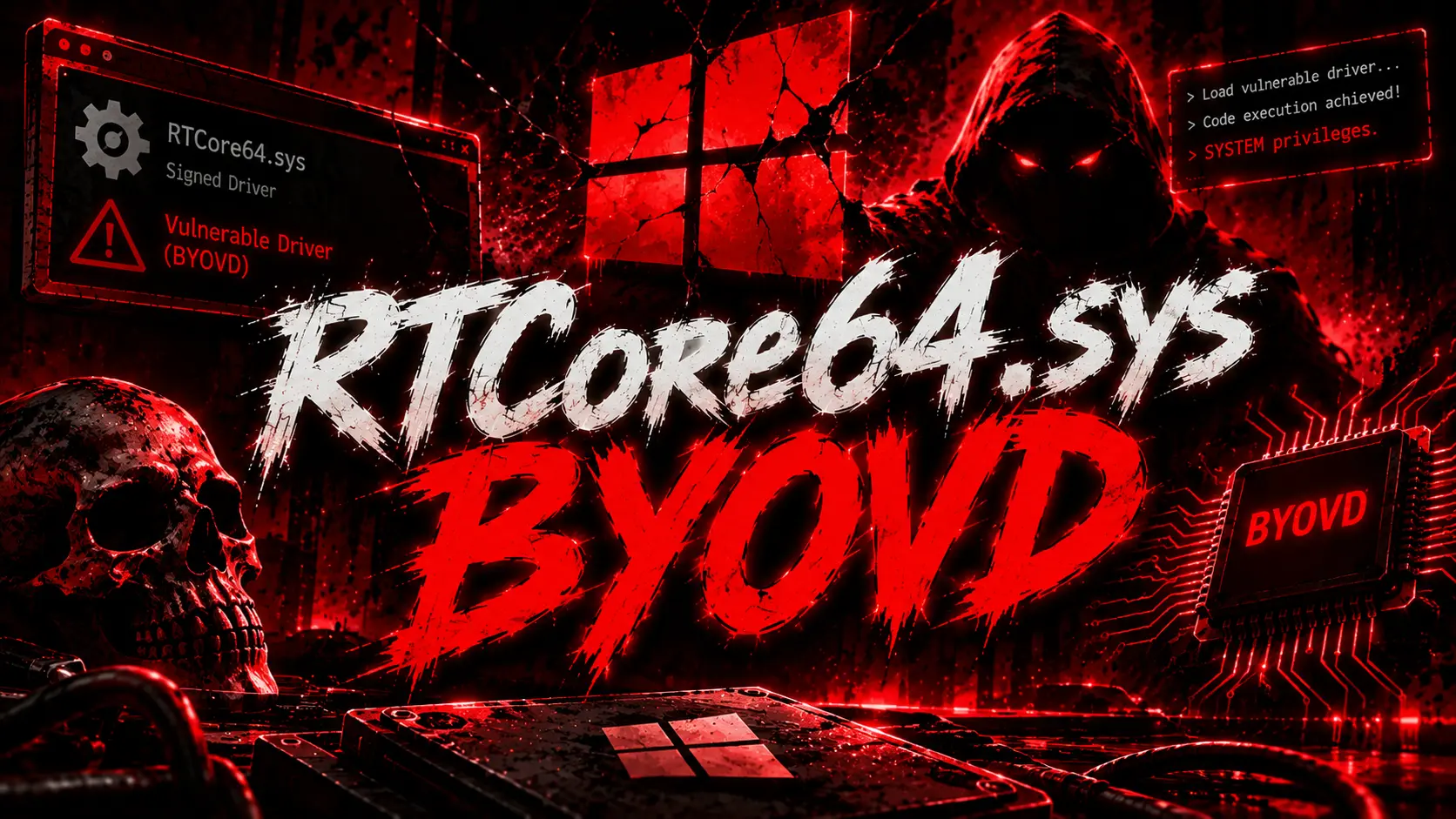
RTCore64.sys BYOVD: CVE-2019-16098, EDR bypass and defense

RTCore64.sys is the MSI Afterburner driver exploited in BYOVD attacks. Learn how CVE-2019-16098 works, the tools used by red teams, and how to detect it.
- Posted on 2026-11-01
- Reading time: 8 min
RTCore64.sys BYOVD: CVE-2019-16098, Vulnerable MSI Afterburner Driver #
RTCore64.sys is a Windows driver designed for a harmless purpose: to run MSI Afterburner, the program used by gamers to overclock their graphics cards. Today, it's one of the most commonly abused vulnerable drivers in BYOVD attacks: ransomware like BlackByte uses it to disable antivirus and EDR before encrypting files. This technique is called BYOVD, or Bring Your Own Vulnerable Driver : the attacker brings along a legitimate, signed, and flawed driver and uses it to write to the kernel.
In this guide, we'll look at what RTCore64.sys is, what makes CVE-2019-16098 dangerous, how to use it in a red team engagement, how BlackByte exploited it, and how to detect and block it on your network.
What is RTCore64.sys? #
RTCore64.sys is the kernel-mode driver installed with MSI Afterburner (the abused version is 4.6.2.15658). It's used to read and write low-level hardware, such as GPU registers, to control clock speeds and fans.
There are three facts that make him interesting for a striker:
- è signed from Micro-Star International with a valid certificate, so Windows loads it without problems;
- his device (
\\.\RTCore64) has no restrictive ACLs; - It does not check the addresses coming to it from userspace.
The result is CVE-2019-16098 : anyone who manages to communicate with the driver can read and write arbitrary memory, MSR registers, and I/O ports. Essentially, a signed driver that acts as a “remote control” for the kernel.
What is a BYOVD attack? #
Windows does not load unsigned drivers into the kernel ( Driver Signature Enforcement ). This rule blocks an attacker from trying to load a malicious driver they made. BYOVD gets around this problem in a simple way: instead of creating a driver, it takes a signed but vulnerable one.
The flow is always the same:

One important thing: to load a driver you already need the administrator privileges, or at least the privilege SeLoadDriverPrivilege (we talk about it in the article on SeLoadDriverPrivilege
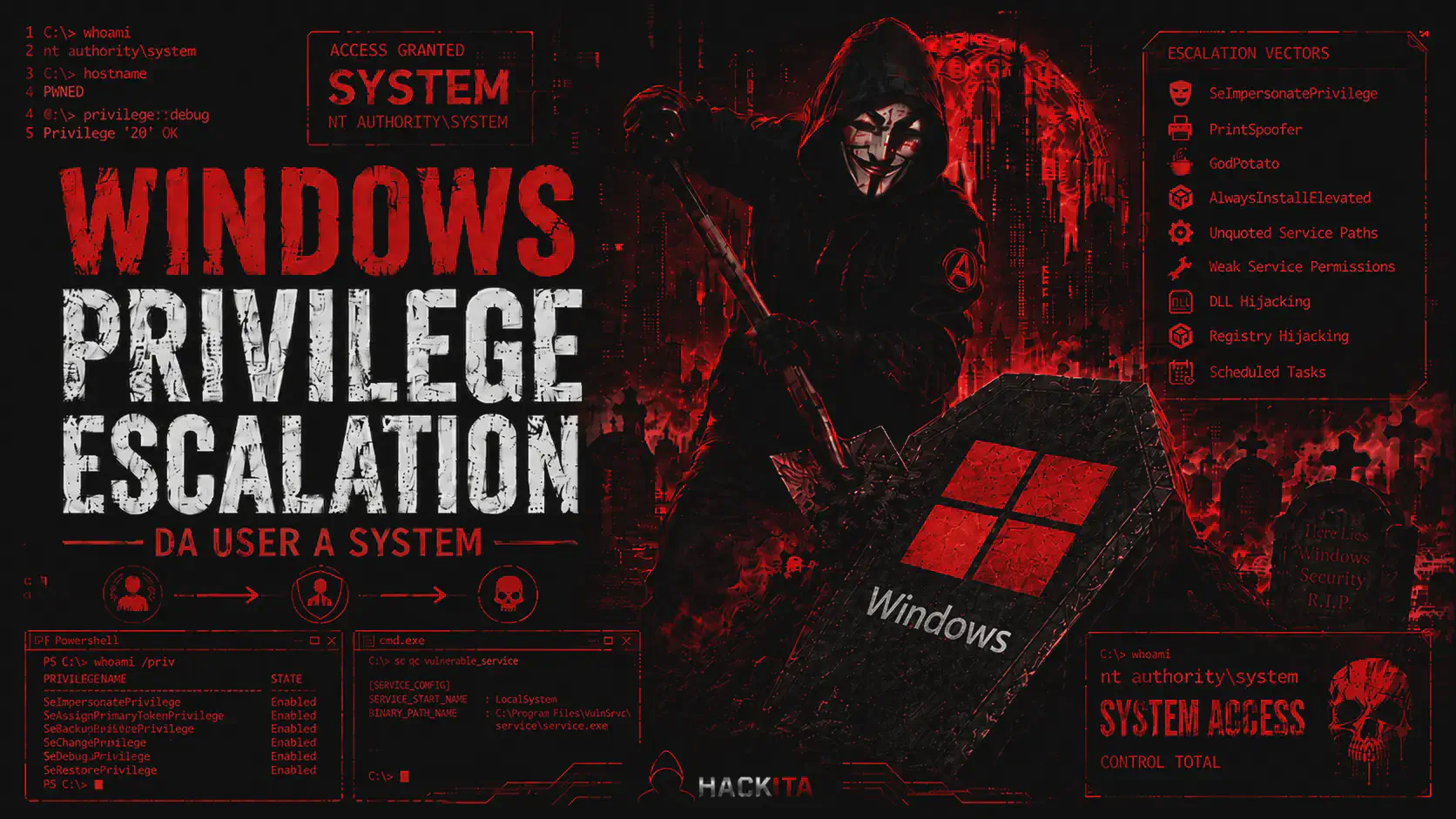
). So BYOVD isn't used to get into a system: it's a post-exploitation technique that takes the attacker from administrator to kernel. If you want the full picture of what happens before, you can find the path in the guide to privilege escalation on Windows
.
What can the driver do? #
The driver exposes a few functions, accessible via IOCTL requests from user space. The most important ones are these:
| Capacity | What does it allow? |
|---|---|
| Memory reading | Read arbitrary data, even kernel data |
| Memory writing | Modify kernel structures |
| MSR Reading and Writing | Touch special CPU registers |
| Read and write I/O ports | Talking directly to the hardware |
The second line is the scary one. By making arbitrary writes to the kernel, a user-mode process can disable security checks from within, without being stopped by anyone.
Why Attackers Need It: Blinding EDR #
An EDR monitors the system by registering kernel callbacks : functions that the kernel calls every time a process starts, a thread is created, or a DLL is loaded. This is how the EDR “sees” what's going on.
If an attacker writes to the kernel, they can remove these callbacks from the list. The EDR remains installed, the service appears to be running, but it no longer receives any events: it's blind.
That's exactly what BlackByte did , according to Sophos' analysis :
- wrote
RTCore64.sysin the folderAppData\Roaming; - created and started a service with
CreateServiceW, choosing the name from a list; - recognized the kernel version to use the correct offsets;
- reset the callbacks
PspCreateProcessNotifyRoutine,PspCreateThreadNotifyRoutineePspLoadImageNotifyRoutineof the safety drivers present in a list of over 1.000 drivers; - It also disabled the Microsoft-Windows-Threat-Intelligence ETW provider, which many defenses depend on.
After this step, the rest of the attack is unhindered: credential dumping with tools like Mimikatz , lateral movement, and file encryption. The same driver is also used to disable Driver Signature Enforcement and load unsigned drivers: the demo presented at CYBERSEC 2023 demonstrates this very step.
Red Team: Using RTCore64.sys in an engagement #
In a red team aiming to bypass EDR, RTCore64.sys is one of the most used drivers because it's signed, legitimate, and well-documented. The client immediately understands what happened and can verify whether their security stack detects it.
Prerequisites
You must already have administrator privileges (or SeLoadDriverPrivilege) on the target machine. This is not a way to get in: it's the next step, from admin to kernel. The full path is in the guide to privilege escalation on Windows
.
Public tools
There are open source tools that implement this attack:
| tool | What does he do |
|---|---|
| EDRSandBlast | Supports RTCore64.sys and other drivers; disables kernel callbacks and ETW providers |
| PPLKiller | Removes PPL protection from processes, then allows LSASS dumping |
| KDMapper | Use iqvw64e.sys to load unsigned drivers into the kernel |
Operational flow
- You already have administrator privileges on the machine.
- Ports or discharges
RTCore64.sysin a temporary folder (%TEMP%,AppData\Roaming). - Create the kernel service with
sc.exe createoCreateServiceWand start it. - The tool reads the kernel version to calculate the offsets of internal structures.
- Open the device
\\.\RTCore64and sends IOCTL requests to read and write kernel memory. - Reset callbacks
PspCreateProcessNotifyRoutine,PspCreateThreadNotifyRoutine,PspLoadImageNotifyRoutine: EDR no longer receives events. - Disable ETW provider
Microsoft-Windows-Threat-Intelligence, used by many security products. - Execute payload: LSASS dump, lateral movement, ransomware simulation.
- Stop the service, delete the driver and the service (
sc.exe stop,sc.exe delete).
OPSEC Considerations
- Event 7045 logs the service name: use a name similar to a legitimate service (e.g.
MSIAfterbrnr) reduces alerts in less configured SIEMs. - Rename the file does not change the hash: an EDR with hash rules still detects it.
- Disable ETW
Threat-IntelligenceIt is a strong and detectable signal even without EDR, directly from the SIEM. - If the kernel offsets are wrong (unsupported version) the driver causes a BSOD: test in lab first.
- On systems with HVCI enabled, writing to the kernel is blocked at the hardware level: this technique does not work.
In the red team report
This technique is documented as MITRE ATT&CK T1562.001 (Impair Defenses: Disable or Modify Tools). Include evidence: driver hash, service name, timestamp, captured event 7045. Impact: “EDR did not log events for X minutes during testing.” Remediation: HVCI, Microsoft blocklist, 7045/4697/Sysmon 6 monitoring.
The driver in LOLDrivers #
The LOLDrivers project collects legitimate drivers that attackers abuse. RTCore64.sys is classified as a vulnerable driver , mapped to MITRE ATT&CK T1068 (Exploitation for Privilege Escalation), and as of November 1, 2026, the list contains 33 known samples with different hashes. This is useful because detection by name isn't enough: renaming the file can evade detection.
It's the same principle as LOLBins , but in the kernel: legitimate tools, used against those who installed them.
How to detect RTCore64.sys #
Below are some controls you can perform immediately on a Windows host. These are read-only commands.
1. Search for the driver in installed services
# List kernel drivers whose name or path mentions RTCore
Get-CimInstance Win32_SystemDriver |
  Where-Object { $_.Name -like 'RTCore*' -or $_.PathName -like '*RTCore64*' } |
  Select-Object Name, State, StartMode, PathName
2. Find the file on disk and check the hash
# Find every RTCore64.sys on C: and print its SHA256
Get-ChildItem -Path C:\ -Filter RTCore64.sys -Recurse -ErrorAction SilentlyContinue |
  Select-Object FullName, @{n='SHA256';e={(Get-FileHash $_.FullName -Algorithm SHA256).Hash}}
Compare the hash to those of LOLDrivers. One of the known samples is 03e0581432f5c8cc727a8aa387f5b69ff84d38d0df6f1226c19c6e960a81e1e9.
3. Look for the service creation in the system log
# Event 7045 means a new service was installed
Get-WinEvent -FilterHashtable @{ LogName = 'System'; Id = 7045 } |
  Where-Object { $_.Message -match 'RTCore64' } |
  Select-Object TimeCreated, Message
There are three useful events: 7045 (new service, log system), 4697 (installed service, Security log, if audit is active) and Sysmon Event ID 6 (driver loaded, with the hash in the field Hashes).
4. A hash-based Sigma rule
SigmaHQ public rule search for name \rtcore64.sys And it's low-level: the name changes in a second. A hash rule is more robust:
title: RTCore64.sys Driver Load By Hash
id: 241306fb-d6de-4eb9-a901-2370f2480c46
status: experimental
description: Detects the load of known RTCore64.sys samples by SHA256 hash
references:
  - https://www.loldrivers.io/
author: Hackita
date: 2026/11/01
logsource:
  category: driver_load
  product: windows
detection:
  selection:
    Hashes|contains:
      - 'SHA256=03E0581432F5C8CC727A8AA387F5B69FF84D38D0DF6F1226C19C6E960A81E1E9'
      - 'SHA256=0466DAC557EE161503F5DFBD3549F81EC760C3D6C7C4363A21A03E7A3F66ACA8'
      - 'SHA256=077AA8FF5E01747723B6D24CC8AF460A7A00F30CD3BC80E41CC245CEB8305356'
  condition: selection
falsepositives:
  - Legitimate MSI Afterburner installed on gaming workstations
level: high
If no one in the company is supposed to use MSI Afterburner, any violation of this rule is worth investigating.
Try it in the lab (only in your own VM) #
To verify that detection is working, you can load the driver in a lab VM with Sysmon and check that events are arriving at the SIEM. The load command is the one published in LOLDrivers:
sc.exe create RTCore64.sys binPath=C:\windows\temp\RTCore64.sys type=kernel
sc.exe start RTCore64.sys
Immediately afterward, check for event 7045 in the System log and event 6 in Sysmon with the hash. If you don't see them, your coverage is flawed. To remove everything:
sc.exe stop RTCore64.sys
sc.exe delete RTCore64.sys
If you have Microsoft's blocklist active (see below), the upload will be blocked on an up-to-date system: this is exactly what you want.
How to protect yourself from BYOVD #
Defenses are divided into three levels: prevent loading, reduce exposure, and detect.
Prevent loading
The Microsoft vulnerable driver blocklist contains drivers known to be vulnerable. It was introduced as an optional feature in Windows 10 1809, is automatically enabled when HVCI is enabled (or in S Mode), and is enabled by default on all devices since Windows 11 22H2 . With the October 2022 Update (KB5020779), even older systems receive the same list as Windows 11 22H2. Check the status as follows:
reg query "HKLM\SYSTEM\CurrentControlSet\Control\CI\Config" /v VulnerableDriverBlocklistEnableIf the value is 0x1 The blocklist is active. If the key is missing, your Windows default behavior applies.
HVCI (Memory Integrity) automatically activates the blocklist and protects the kernel from untrusted code. Check if it's running:
# SecurityServicesRunning contains 2 when HVCI is running
Get-CimInstance -ClassName Win32_DeviceGuard -Namespace root\Microsoft\Windows\DeviceGuard |
  Select-Object SecurityServicesRunning
Microsoft Defender's ASR rule “Block abuse of exploited vulnerable signed drivers” blocks known vulnerable drivers from being written to disk:
Add-MpPreference -AttackSurfaceReductionRules_Ids 56a863a9-875e-4185-98a7-b882c64b5ce5 -AttackSurfaceReductionRules_Actions EnabledWith App Control for Business (WDAC) you can go further and only allow the drivers you choose.
Reduce exposure
- Remove MSI Afterburner and other overclocking tools from servers and business PCs: they have no reason to be there.
- Inventory your installed drivers, as a vulnerable driver may already be on your system and the attacker may not even have to download it.
- Restrict who has administrator privileges or
SeLoadDriverPrivilege: without those, BYOVD doesn't take off.
Detect
- Send events 7045, 4697, and Sysmon 6 to the SIEM.
- Report any new driver never seen before on your network.
- Use LOLDrivers lists as a source for hash rules, not just name rules.
A fair note: Blocklists aren't applied consistently across organizations, so don't rely on just one defense. Combine blocklists, HVCI, and detection.
FAQ #
Is RTCore64.sys a virus? #
No. It's a legitimate driver, signed by Micro-Star International, that ships with MSI Afterburner. It becomes a problem when it appears where it shouldn't, such as in AppData\Roaming or in a temporary folder, on a machine where no one uses MSI Afterburner.
What is a BYOVD attack? #
It's a technique in which the attacker brings a signed, vulnerable driver and loads it onto the victim's system. Because the driver is signed, Windows accepts it, and its vulnerability gives the attacker access to the kernel.
Do you need to be an administrator to use it? #
Yes, you need administrator privileges to load the driver or SeLoadDriverPrivilegeBYOVD is a next step after the initial compromise.
Has CVE-2019-16098 been fixed? #
Installing the latest version of Afterburner on your PC doesn't change anything, because the attacker is carrying an older copy of the driver, which remains signed and therefore valid. This is why Microsoft's blocklist, along with detection, is the defense, not just the update.
Does an antivirus detect RTCore64.sys? #
The file is legitimate, so many antivirus programs ignore it. A specific hash or behavior rule is required: loading the driver from an unusual path, creating a kernel service by an untrusted process, followed by the disappearance of EDR events.
What other drivers are used with this technique? #
There are hundreds of them. The updated list is on LOLDrivers, and each driver requires its own detection rule. RTCore64.sys is among the most notorious because it has been used by real ransomware.
Operational summary #
- RTCore64.sys is a signed MSI Afterburner driver with CVE-2019-16098: Read and write arbitrary memory, MSR, and I/O ports.
- BYOVD uses this to switch from administrator to kernel and remove EDR callbacks.
- BlackByte actually used it, copying it in
AppData\Roamingand starting it as a service. - Look for events 7045, 4697, and Sysmon 6, and use hash rules, not just name rules.
- Protect yourself with Microsoft blocklists, HVCI, ASR and WDAC tuning, and remove overclocking tools from corporate machines.
BYOVD is a piece of the post-exploitation phase : understanding it helps you recognize the moment when an attacker stops being a high-privileged user and becomes the owner of the machine.
Primary sources: Sophos analysis on BlackByte, RTCore64.sys listing on LOLDrivers, Microsoft documentation on the vulnerable driver blocklist (KB5020779), and SigmaHQ public rules.