QR Code Phishing: What Is It and How to Protect Yourself?

Quishing: What is a QR code phishing attack? How does it work, where it appears, and how to recognize a fake code and verify it before opening it.
- Posted on 2026-11-01
- Reading time: 6 min
Quishing: How It Works and How to Avoid the Attack #
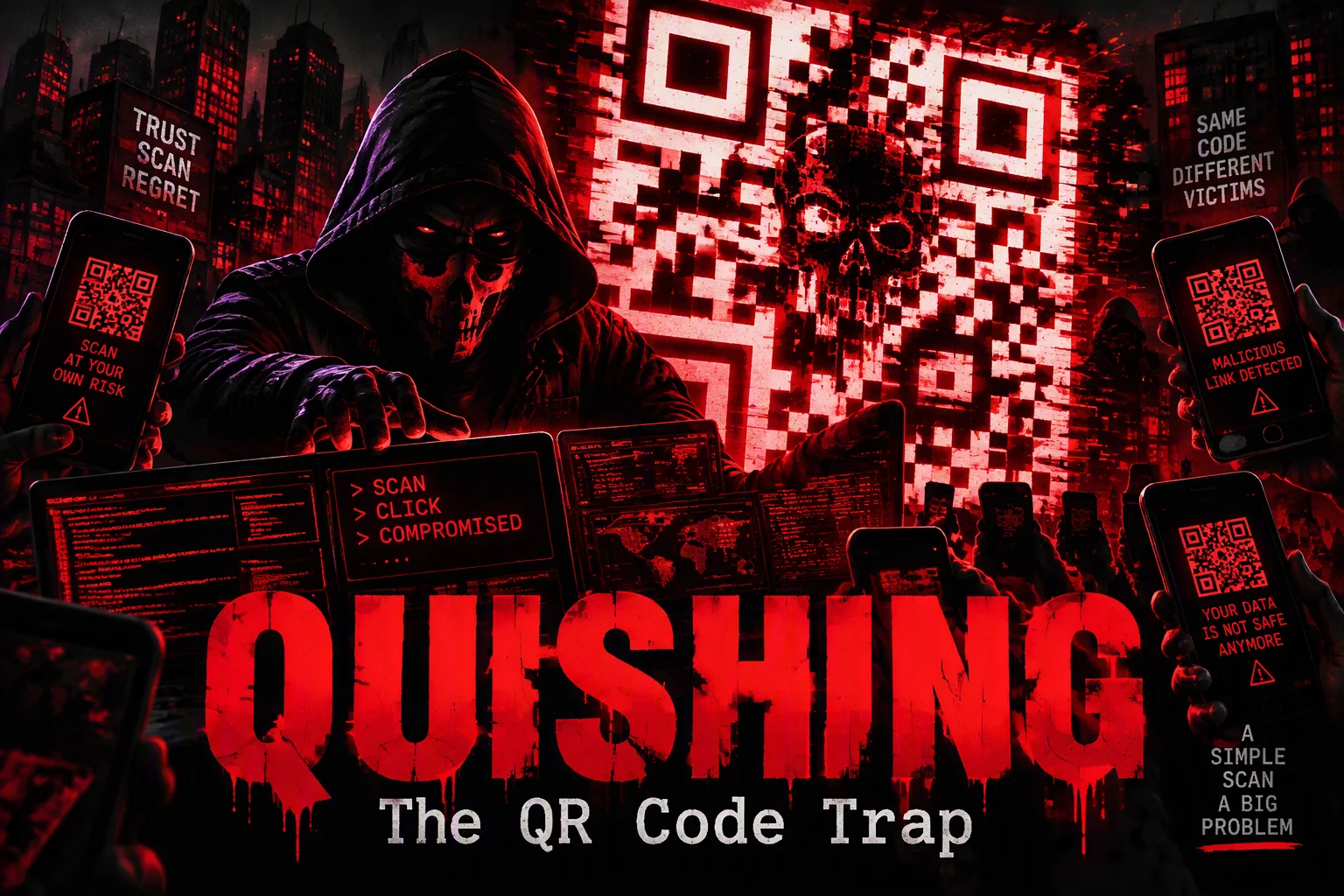
Quishing is a form of phishing that uses a QR code to disguise a malicious URL, leading the victim to a fake page, a malicious download , or a fraudulent service. The term is a portmanteau of QR and phishing.
Microsoft detected over 145 million QR code phishing attacks between July 2025 and June 2026 using Microsoft Defender for Office 365. In the first quarter of 2026, the monthly volume increased from 7,6 million to 18,7 million attempts (+146%), before falling to approximately 8,3 million in June, a trend that shows a strong but fluctuating growth trend, not a purely upward trend. According to the ESET Threat Report for the first half of 2026, malicious QR codes appeared in approximately 11% of the phishing emails detected in the period analyzed.
What makes quishing particularly insidious is not a sophisticated technique, but a structural flaw in the QR code itself: a QR code hides its destination until it is scanned.
Quishing meaning: why a QR code is dangerous #
A fully written link can be read before clicking: a careful eye will spot a suspicious domain. A QR code, however, is unreadable to the naked eye: its content is revealed only after scanning, once the phone has already opened the browser to that address. This bypasses two very common defenses:
- the habit of checking the URL before clicking, which simply doesn't apply to a QR code;
- corporate spam filters, designed to analyze text and links in emails, often less effective on an image containing code.
Added to this is a psychological factor: a QR code on a parking meter, a restaurant menu, or a poster doesn't generate the same instinct to be cautious as a suspicious link in an email.
An often misunderstood point: quishing isn't a standalone channel like SMS or voice calls. It's a technique that can travel across multiple channels—email, SMS, PDF documents, physical printouts—all of which share the fact that the link is hidden within an image rather than written in plain text.
How a quishing attack works #
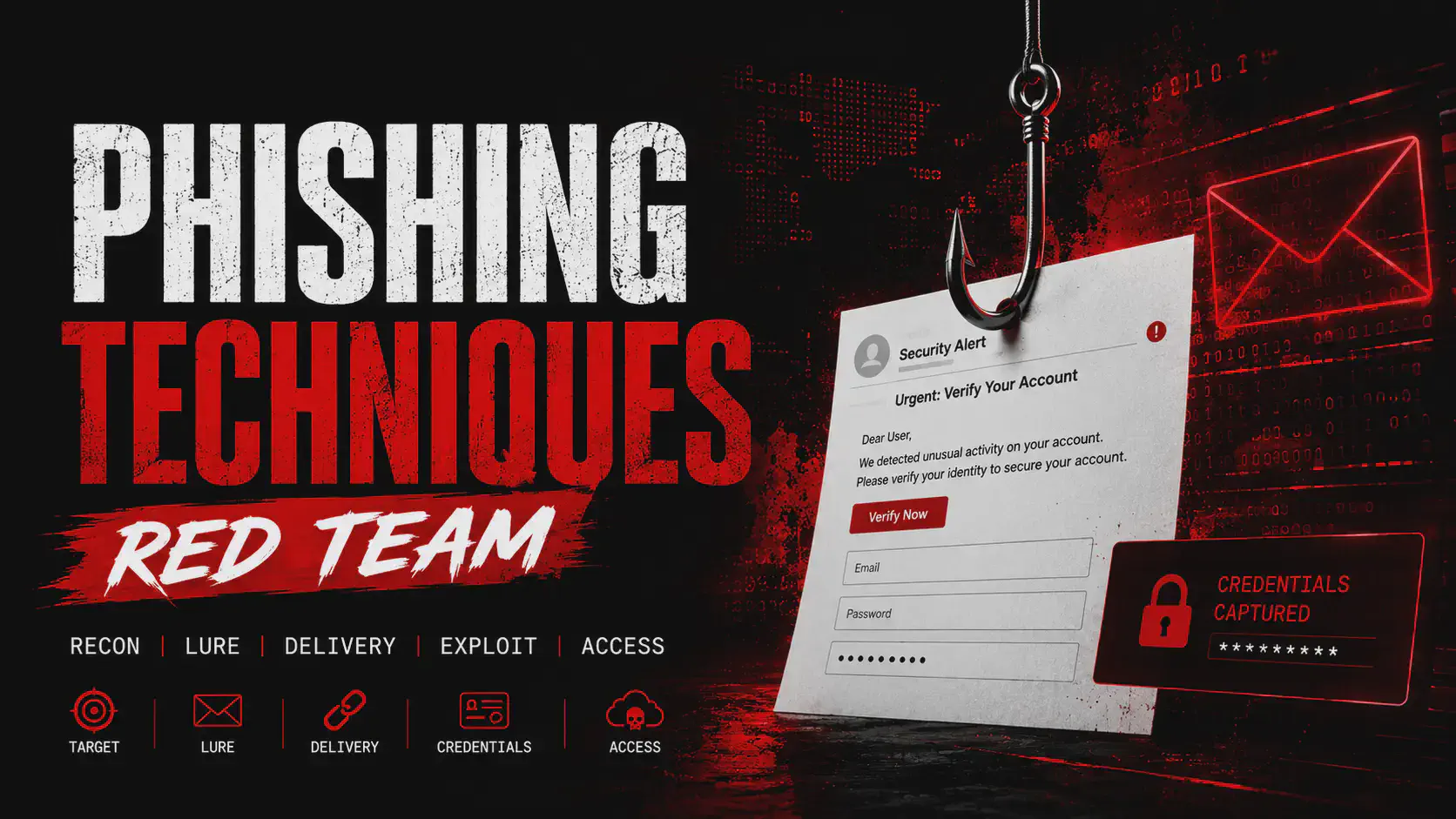
- Creation of malicious code: The attacker generates a QR code that points to a phishing site or a malicious file.
- Distribution: the code is spread via email (often in PDF attachments, to bypass text filters), or printed on physical stickers.
- Scan: the victim scans the code with their smartphone, often for an action they perceive as harmless: paying for parking, viewing a menu, or accessing Wi-Fi.
- Redirection: The phone opens a page that mimics a legitimate site (a payment gateway, a company login page). Many cameras and scanning apps also show a preview of the URL before opening it—this is the simplest and often overlooked check.
- Data theft: the victim enters credentials or card details, believing they are completing a real transaction.
Where malicious QR codes appear #
| Context | How it looks |
|---|---|
| Parking meters and street payments | A fake QR code sticker pasted over the official one from the municipality |
| Business emails | A QR code in a PDF pretending to be a pay slip, HR document, or invoice to be "verified" |
| Restaurants and clubs | A fake sticker superimposed on the digital menu's QR code |
| Posters and public events | Codes for “more information” or “registration” replaced with a malicious one |
| Parcels and deliveries | A “track and trace” code that leads to a phishing site |
| SMS and WhatsApp | A message inviting you to scan a QR code to “verify your account” |
A real-life case: In 2025, the New York City Department of Transportation issued an official warning after fraudulent QR stickers appeared on Manhattan parking meters, discovered thanks to a driver's tip-off. The ensuing systematic inspection led to the identification and removal of 64 counterfeit QR stickers , and in October 2026, a man was indicted on 11 counts for orchestrating the scheme, which directed drivers to a fraudulent website designed to collect payment card details instead of processing parking fees.
Quishing in business emails #
A growing trend is the use of quishing against companies: an email appearing to come from HR, administration, or a supplier, with a QR code instead of a text link. According to Microsoft's analysis, in the first months of 2026, PDFs were the primary vector for these campaigns (up to 70% of cases in March), before the share of Word documents also increased. QR scanning can reduce the effectiveness of controls that directly analyze the text and plaintext URLs of an email, especially when the code is within an image or attachment. This doesn't mean every filter ignores it, but it's a real blind spot for many systems designed for text.
The problem is compounded because the click often occurs on a personal smartphone, not managed by the company : the original email passes through corporate security systems, but the QR code scanning and the opening of the malicious site occur outside that perimeter (networks, VPNs, web traffic filters), making the attack more difficult to intercept. Some documented cases combine quishing with Business Email Compromise techniques , impersonating a manager or HR manager to increase pressure to quickly scan.
How to recognize a malicious QR code #
| Signal | Why should it arouse suspicion? |
|---|---|
| Overlapping sticker | Visible edges, glue, a slightly crooked sticker on a code that should be printed |
| QR in an unusual context | A code where there normally isn't one, or in an email that normally doesn't contain one |
| Urgency in the message accompanying the code | “Scan now to verify account” is a classic pressure scheme |
| Requesting data after scanning | A real municipal parking payment rarely asks for sensitive card data right away on an odd-looking page |
| URL after crawl different than expected | Before proceeding, many cameras and apps show a preview of the link: checking it is the simplest and most effective step |
A common mistake: thinking that a site with HTTPS enabled is automatically secure . HTTPS encrypts the connection, but it doesn't guarantee that the site actually belongs to the organization it claims to represent: even a phishing page can have a valid certificate and a padlock in the address bar.
Decode a QR code without scanning it with your phone #
One way to analyze a suspicious QR code, received for example as an image in an email, without risking opening the link on a real device, is to decode it from the terminal. On Linux, with zbar-tools installed:
zbarimg sospetto.pngThe command returns the encoded text (in most cases a URL) without ever making a network request to that address. From there, you can calmly inspect the domain, for example by checking its registration:
whois dominio-sospetto.itThis is the same “look before you open” approach that applies to any link received via email, applied to a QR code rather than a text URL.
How to protect yourself from quishing #
- Always check the link preview Before you open it: Most QR code scanning apps and cameras show you the destination URL before you follow it.
- Be wary of stickers on public QR codes: check that there is no sticker overlapping the original one, especially on parking meters and totems.
- Do not scan QR codes received in unexpected emails, especially if in PDF attachments or if accompanied by urgency.
- Use an official payment app instead of scanning a QR code for parking, when available.
- In companies, extend email security controls to images and PDFs containing QR codes, not just text and links.
- Activate MFA Wherever possible: Even if credentials are stolen, a second factor reduces the damage.
Quishing and other types of phishing: the differences #
| Canale | Typical example | |
|---|---|---|
| Phishing | Email with text link | Fake invoice with malicious link |
| Smishing | SMS | Fake delivery notice with link |
| vishing | Voice call | Fake bank clerk |
| Quishing | QR code | Fake parking payment or menu with malicious QR code |
Quishing differs from other emails in its technical mechanism: it's not the delivery channel that changes radically (it can arrive via email, SMS, or be physically printed), but the fact that the link is hidden inside an image until it's scanned.
Quishing FAQs #
What is quishing? #
A scam in which a malicious QR code leads to a fake website to steal credentials, payment information, or install malware. The name is a combination of "QR" and "phishing."
Why is quishing dangerous? #
Because a QR code hides its destination until it's scanned—you can't check the link in advance like you can with a full URL, and it often bypasses corporate spam filters designed for text.
Where are malicious QR codes most often found? #
Parking meters, restaurant menus, public posters, company emails (often PDF attachments), and SMS or WhatsApp messages.
How do I recognize a fake QR code on a parking meter? #
Check if there is a sticker overlapping the original one: visible edges, glue, or a slightly crooked positioning are signs not to be ignored.
How do I verify a link before opening it after scanning a QR code? #
Most cameras and scanning apps show a preview of the target URL before opening it—always check it before proceeding.
Can quishing affect businesses? #
Yes, often via email with QR codes instead of text links to bypass spam filters, with the victim scanning from their personal smartphone, outside the company's security perimeter.
How much has quishing grown recently? #
According to Microsoft data, attacks increased by 146% in the first quarter of 2026, with nearly 18,7 million attempts recorded in March 2026 alone.
Is a QR code with HTTPS always secure? #
No. HTTPS encrypts the connection, but it doesn't prove that the site belongs to the organization it claims to represent: even a phishing page can have a valid certificate.
Is an official payment app more secure than a QR code on a parking meter? #
Yes. When available, using the official app from the municipality or operator completely avoids the risk of a physically tampered QR code.